Site appearance
Music Prism

A chord reference that helps you
find your voice(ing).

Guitar, bass, ukulele, and piano. Beginners get a fast, visual reference for where the fingers go. Intermediate players might explore new voicings or tougher progressions. And skilled players can refresh their memory on how that one scale works in E♭.

Download for Mac

A macOS app — visit this page on your Mac to download.

Old-school macOS app. No login. No cloud. Free.

Where do your fingers go?

When you want to learn music or play an instrument there’s a lot to absorb. Beyond the muscle mechanics of how to move your fingers, and fast enough, there’s the question of where to put them.

Most chord books give you every possible combination. Most software is too complex and offers too many choices. Neither is much use when the instrument is in your hands and you’re wondering, how’s this work again…?

Music Prism is a focused, interactive reference that helps you grok how music works in practice. Change from major to minor and see how the notes move on the fretboard or keyboard. Oh, that’s how a maj7 works. What is a sus4, anyway?

If you’ve ever struggled to understand music while you were practicing it, keep Music Prism open next time.


The same chord, seven instruments

Guitar, standard and baritone. Bass, four-string and five. Ukulele, standard and baritone. And piano. Learn one instrument, or learn how the notes and chords translate from one to the next. A chord on the fretboard and the same chord on the keyboard are two views of one thing: the diagrams all come from the same engine. Here: the same C chord, drawn on each of the seven.

3×××RC3E5G
Guitar
8×××RC3E5G
Baritone Guitar
7×5GRC3E
Ukulele
×RC3E5G
4-String Bass
33E5GRC××
5-String Bass
×5GRC3E
Baritone uke
RC3E5G
Piano

What’s inside

Inversions = Voicings

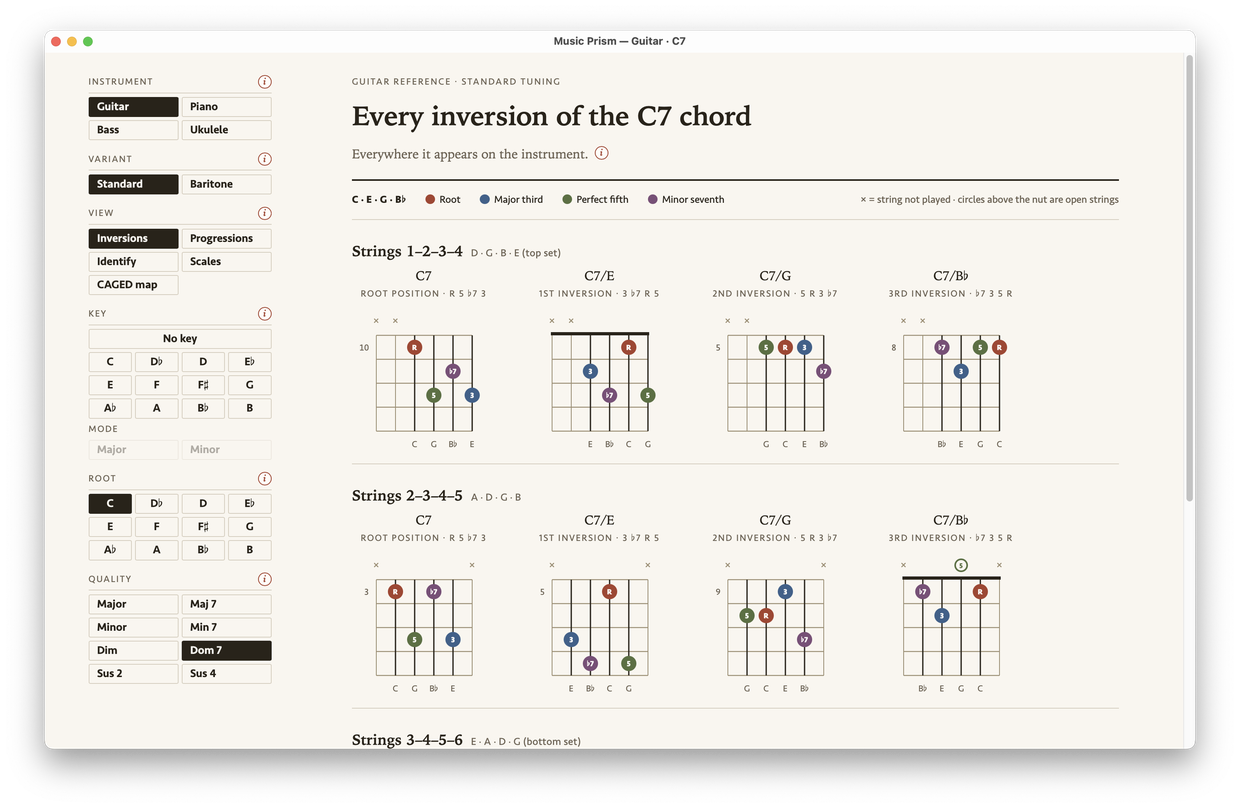
“Inversions” are the different ways one chord can be voiced — the same notes, stacked in another order, in another place. You can play a chord in a lot of spots on the fretboard or keyboard, and which one you reach for depends on where your hand is coming from and where it’s going next in the song.

The standard advice is to learn them all, up and down the neck, in every key. Music Prism gives you a way to work through that methodically, and a reference to come back to as you grow.

Music Prism showing every inversion of a C7 chord on guitar — C7, C7/E, C7/G, C7/B♭ — across each adjacent set of strings.
C7 chord inversions on guitar, across every string set
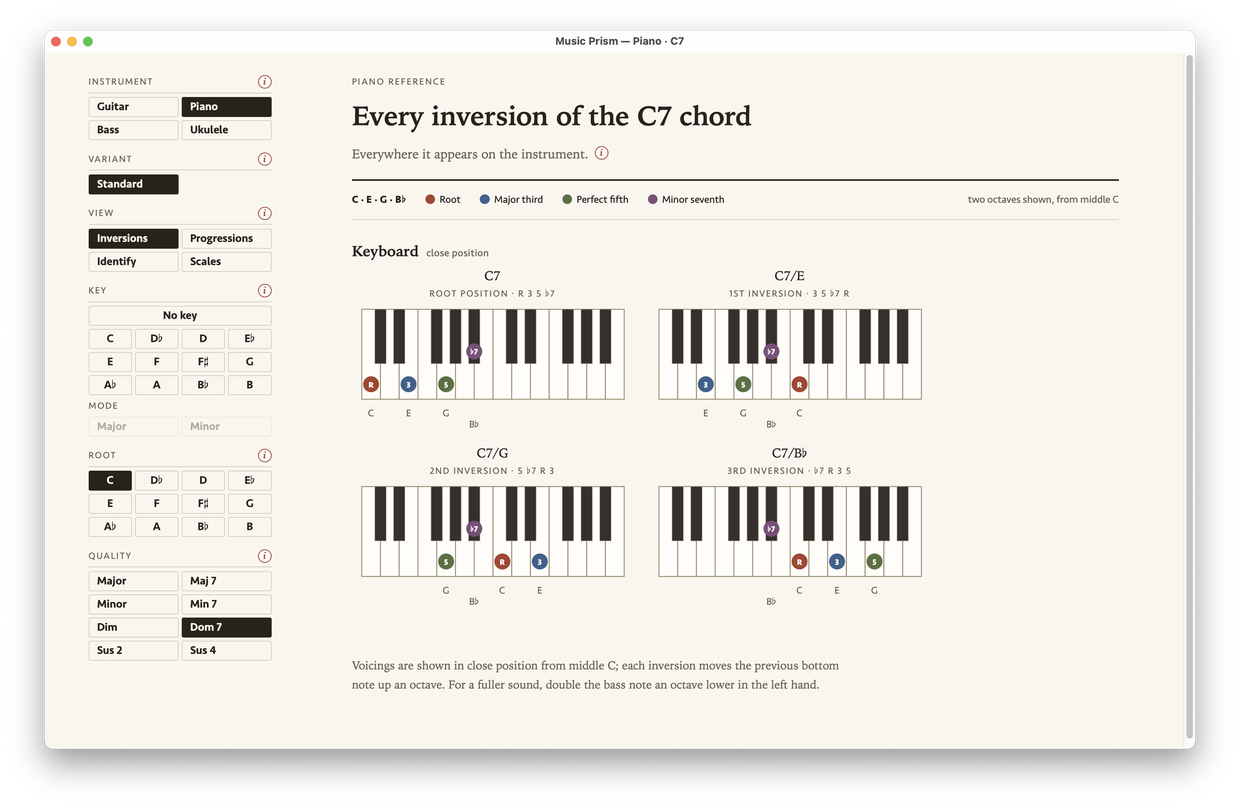
The same C7 on the piano keyboard, its four inversions laid out as close-position voicings.
The same C7 chord, now shown on piano

Chord qualities

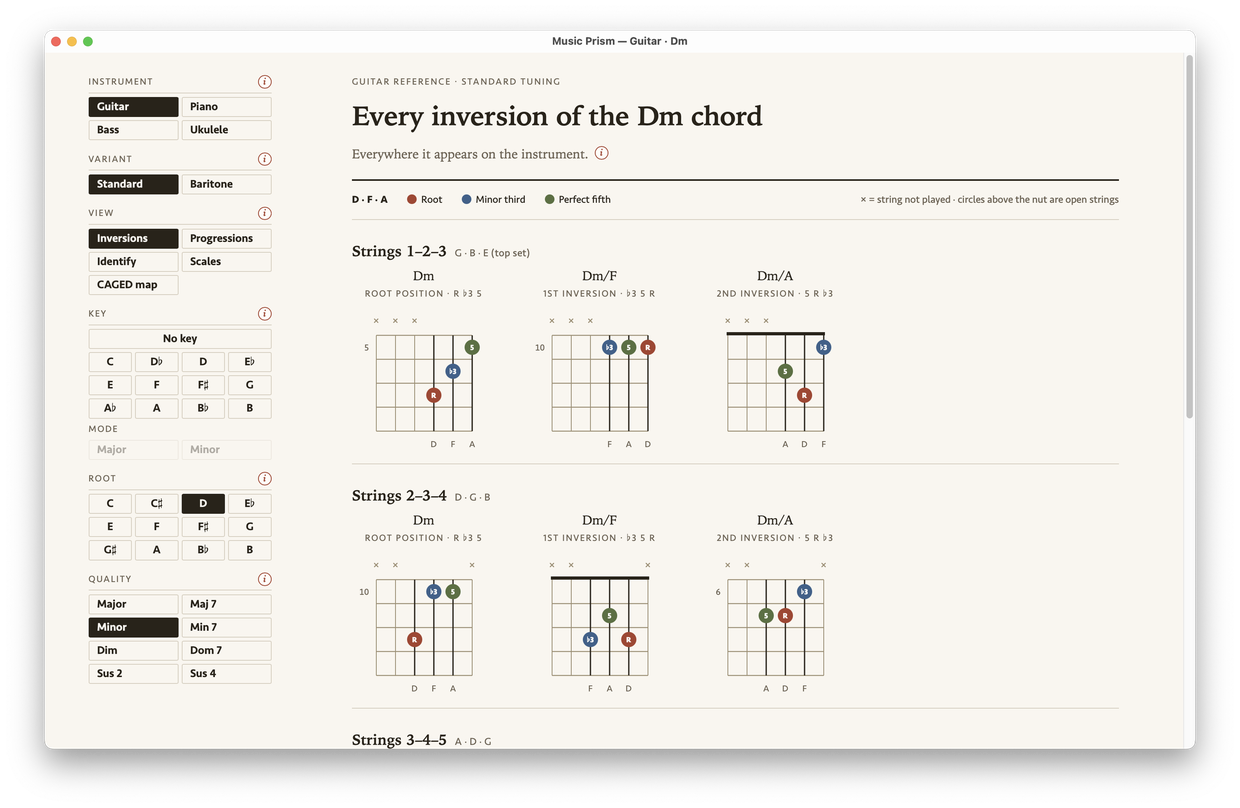
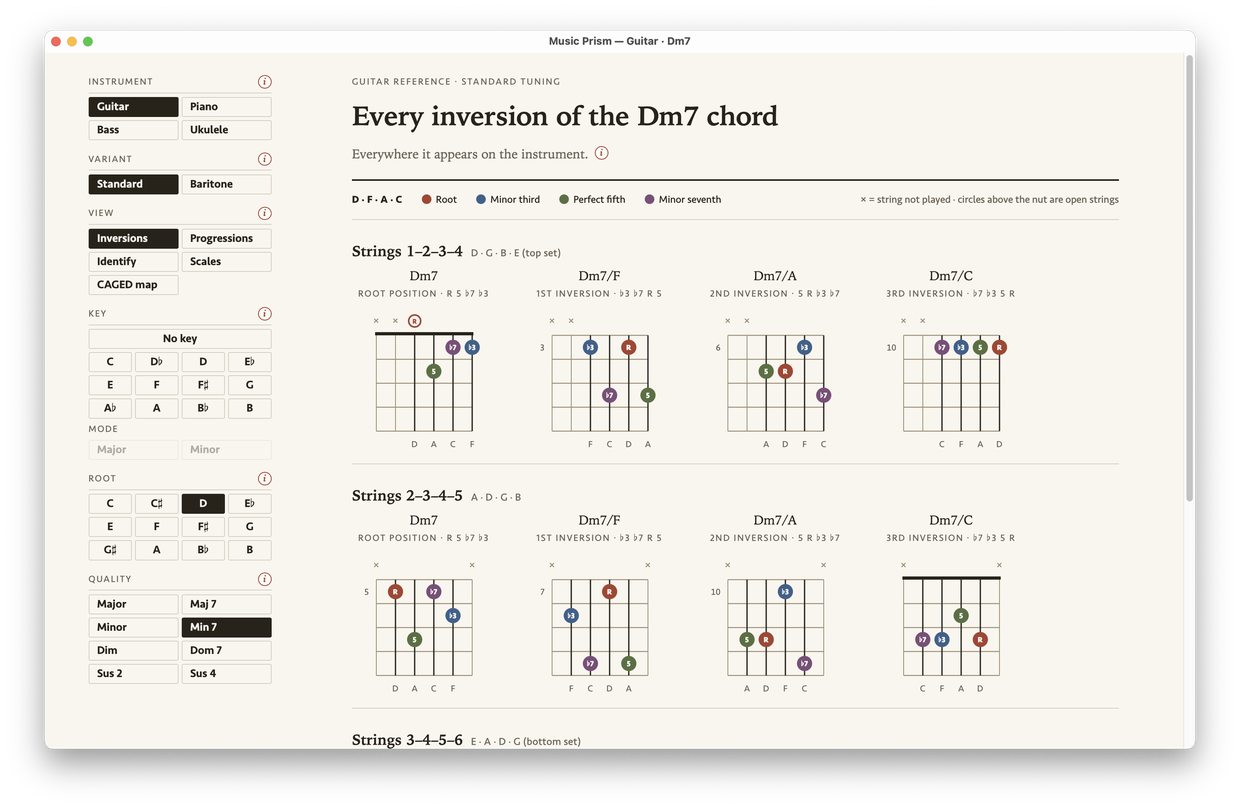
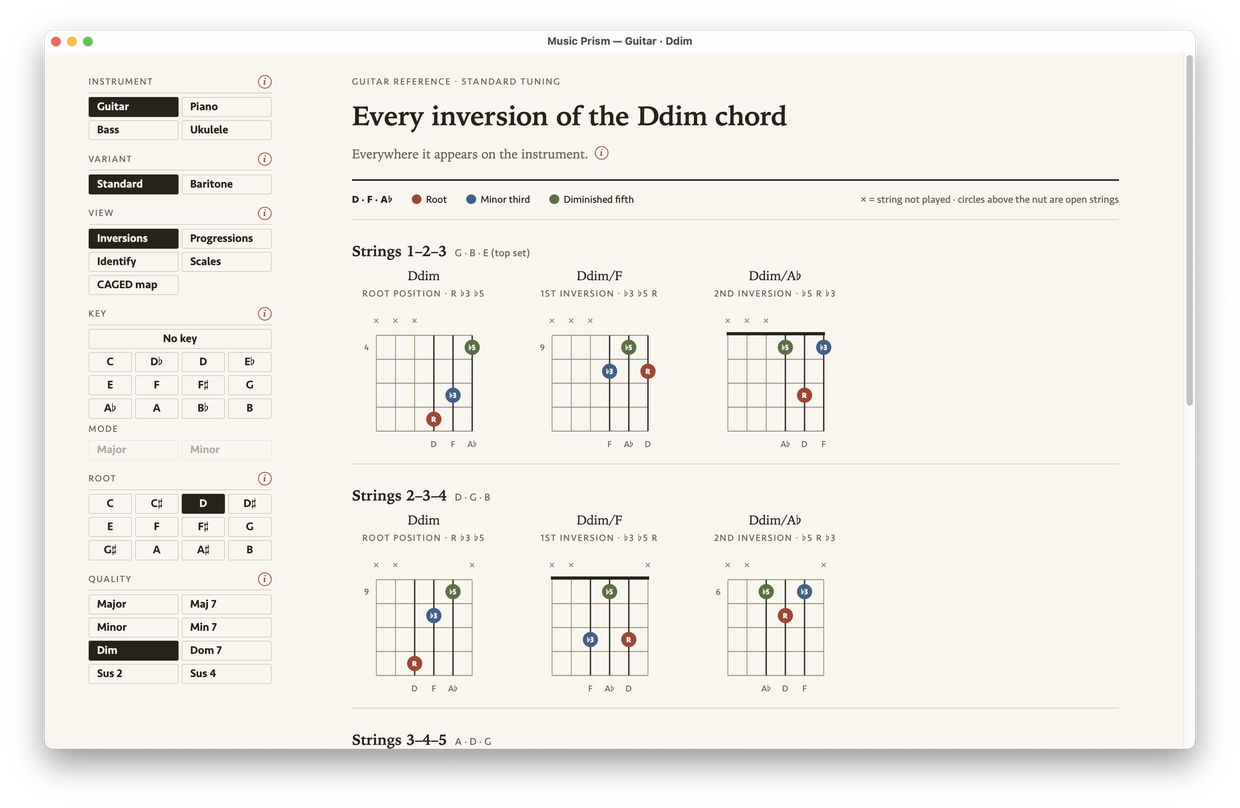
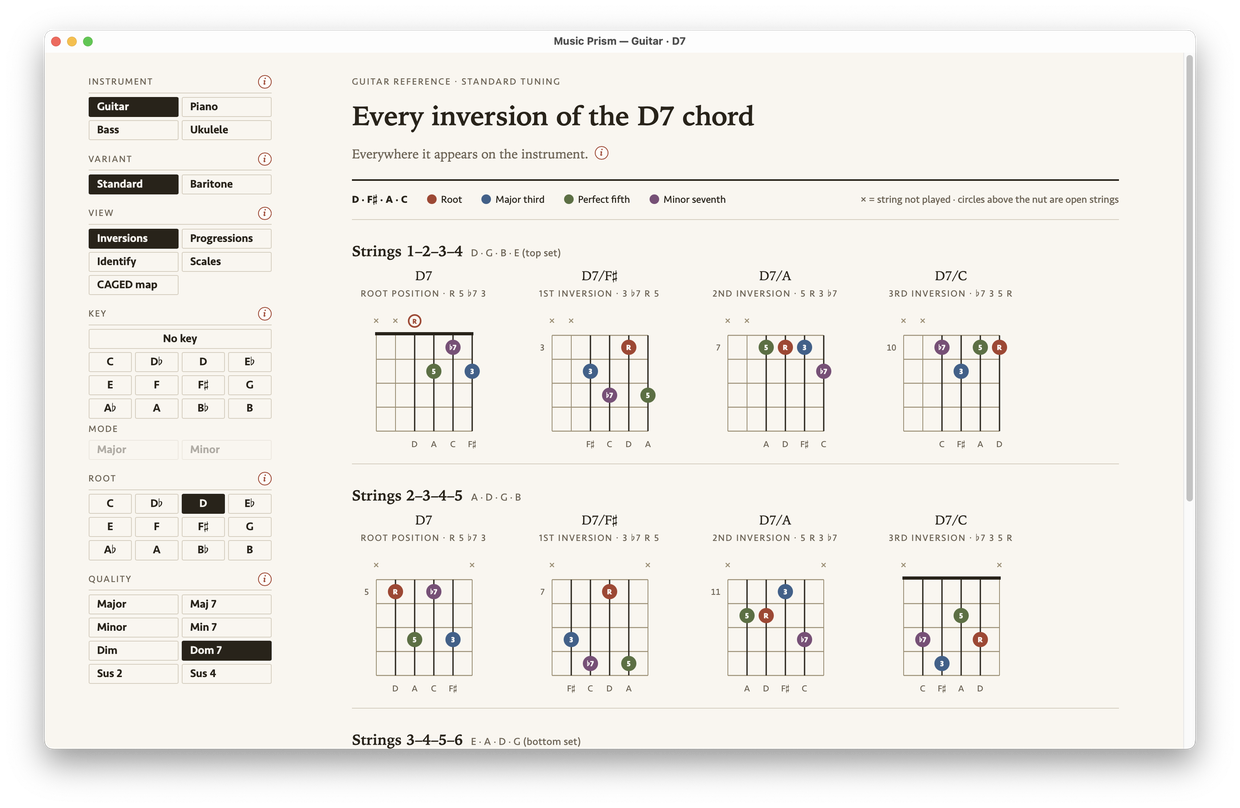
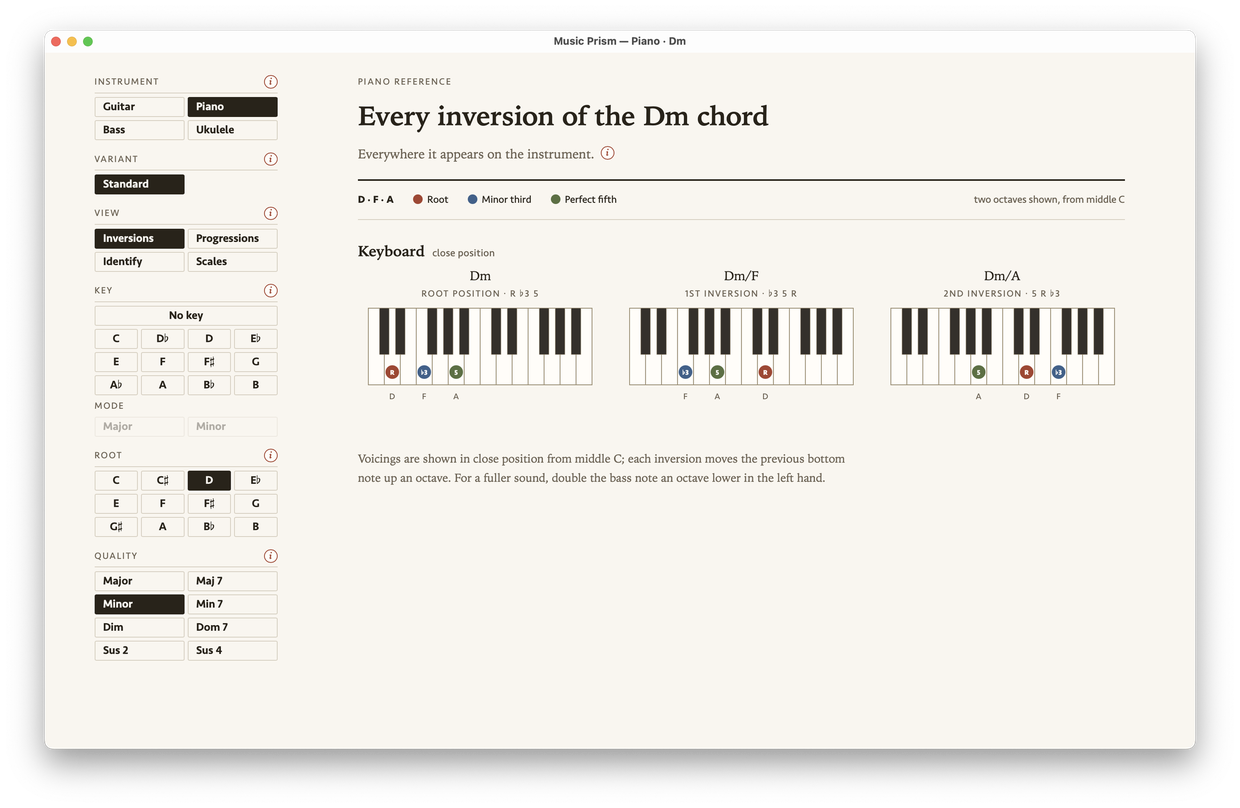
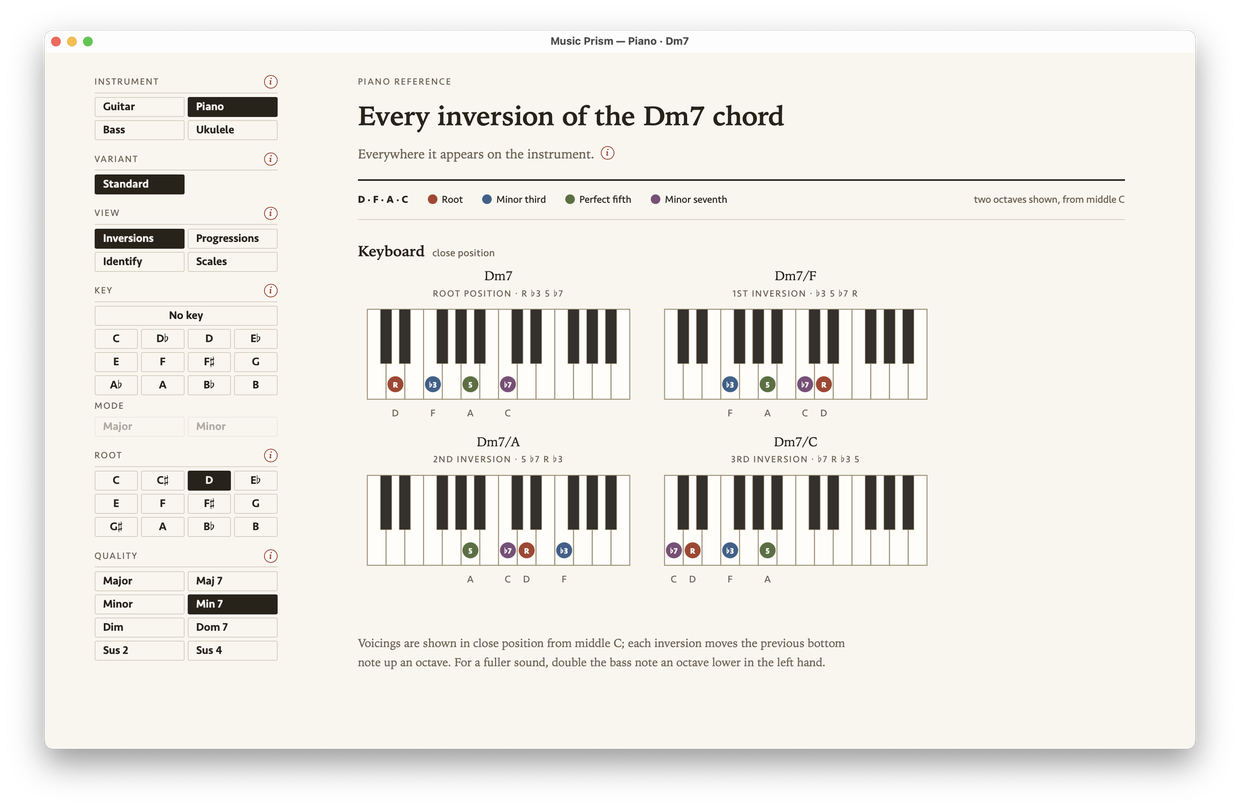
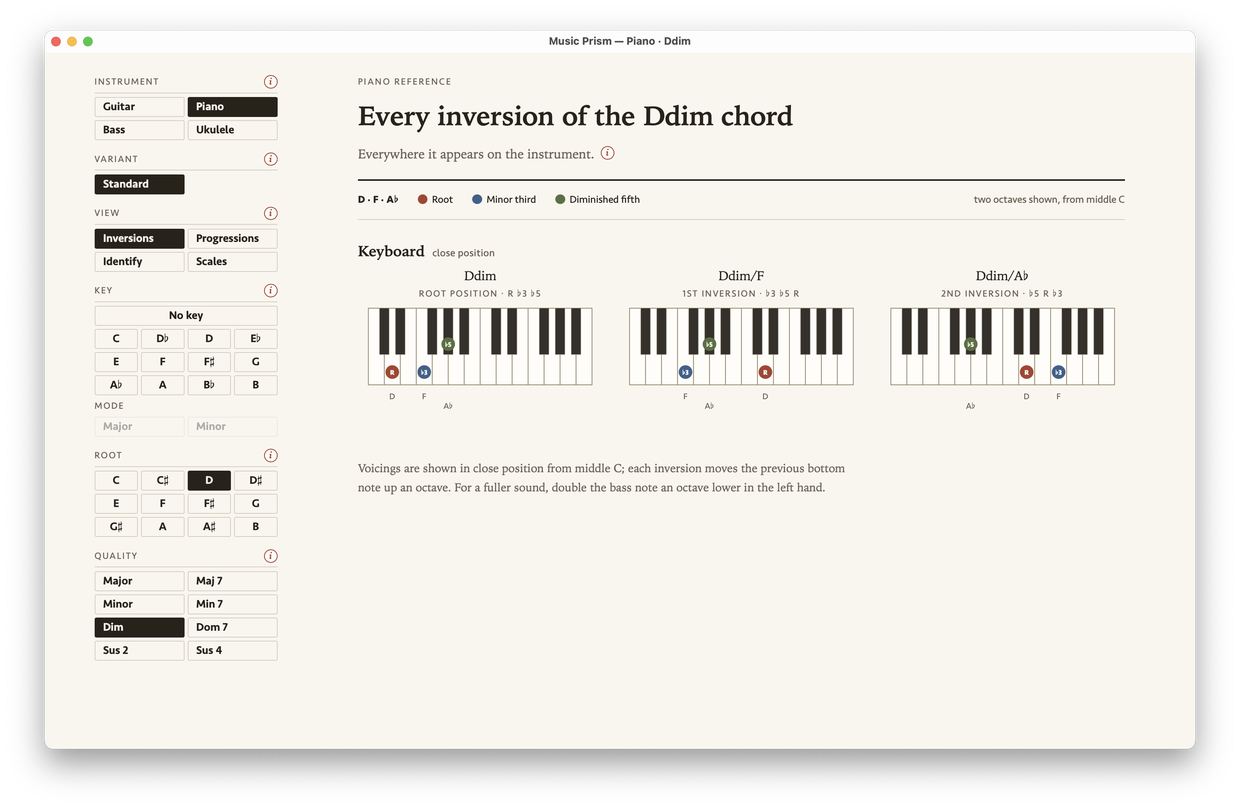
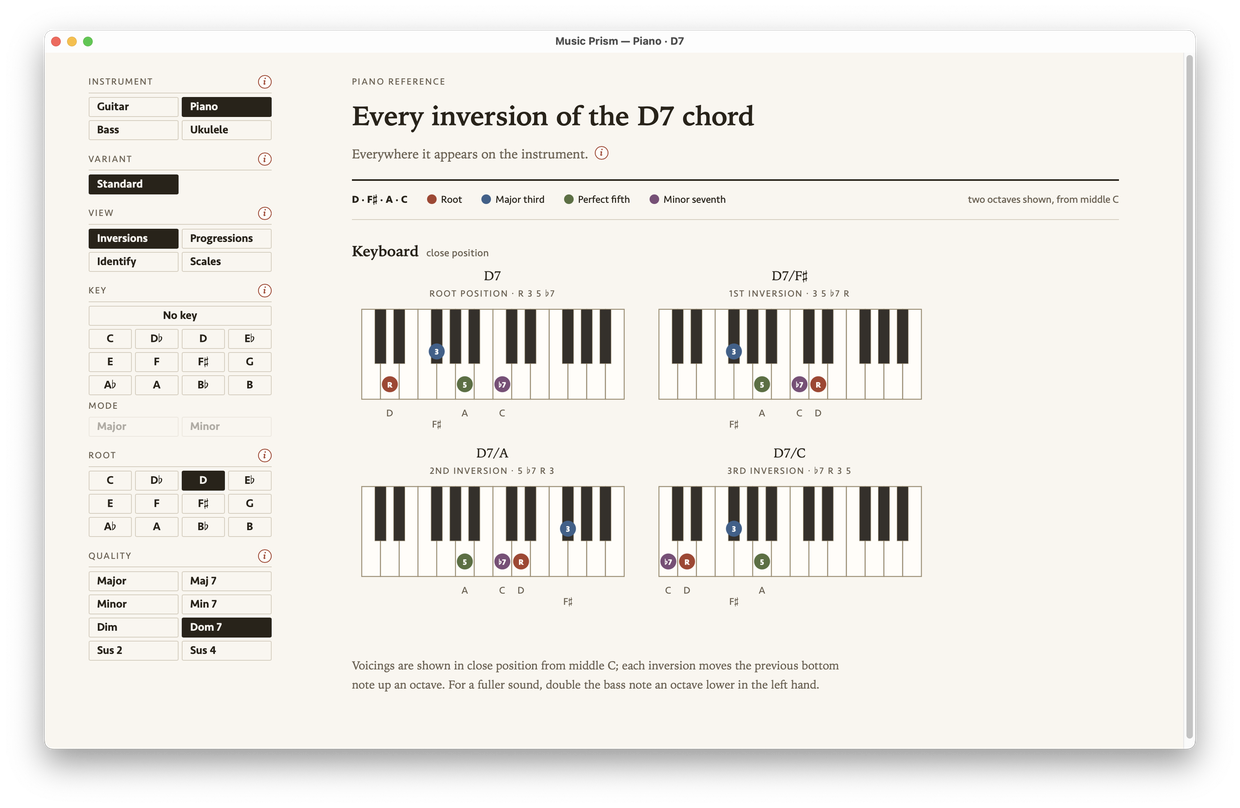
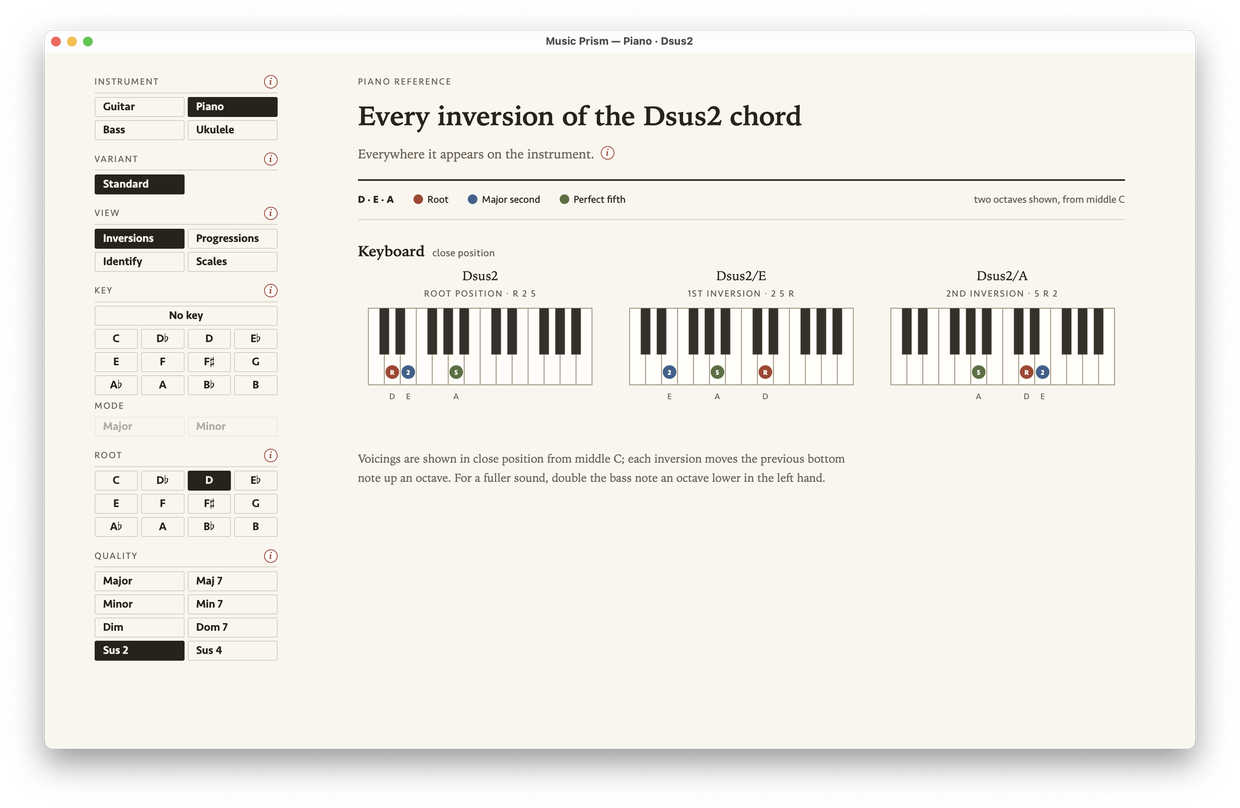
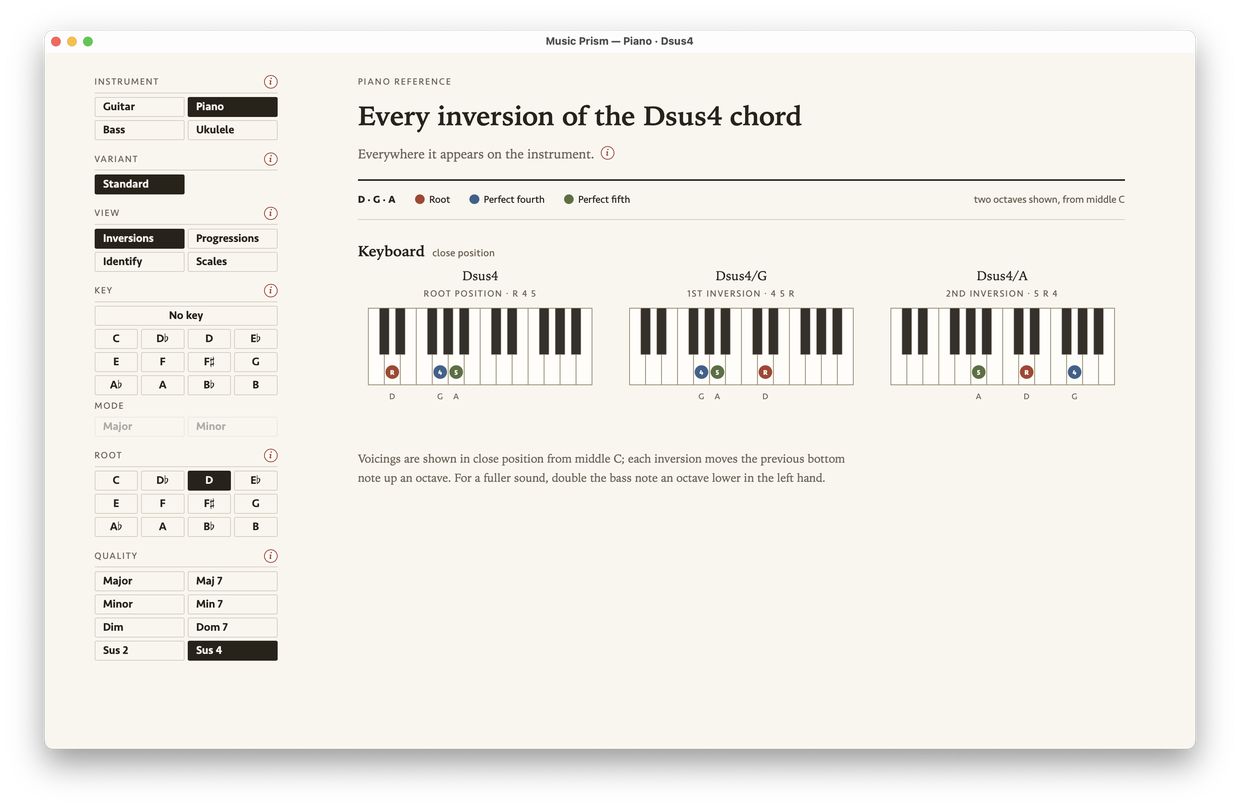
How is major different from minor? How do you turn either one into a maj7 or an m7? What’s the diminished shape again? Would sus2 work here, or sus4?

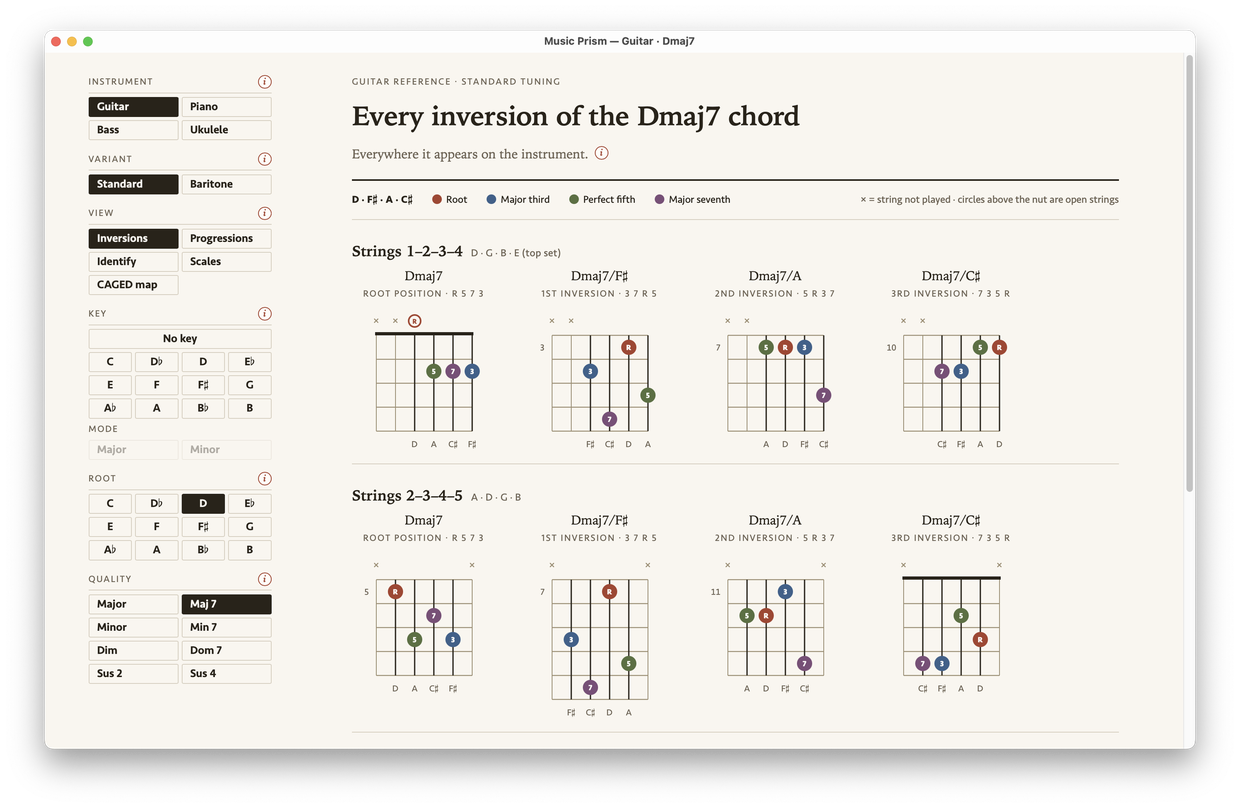
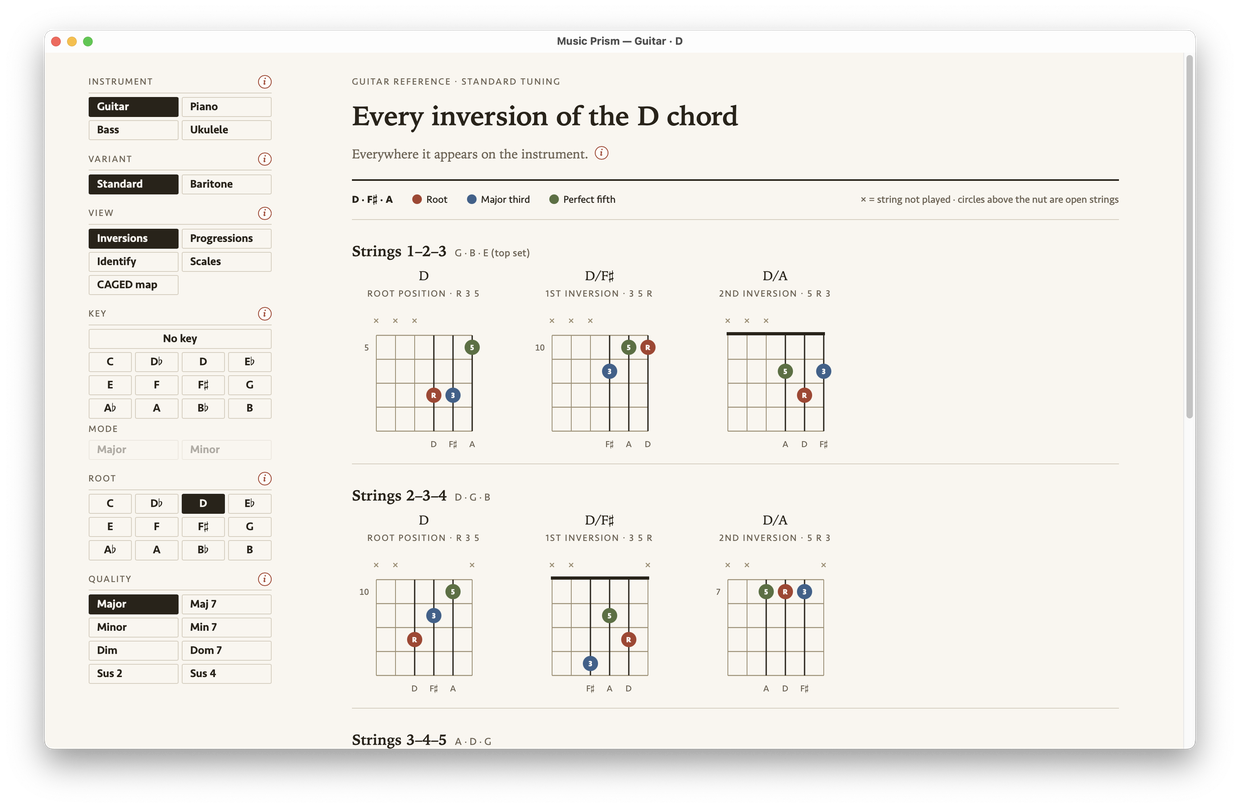
Switch the quality and watch the diagram change under you. Play the shapes on your instrument and let your mind start making the connections. That’s how a chord gets under your fingers.

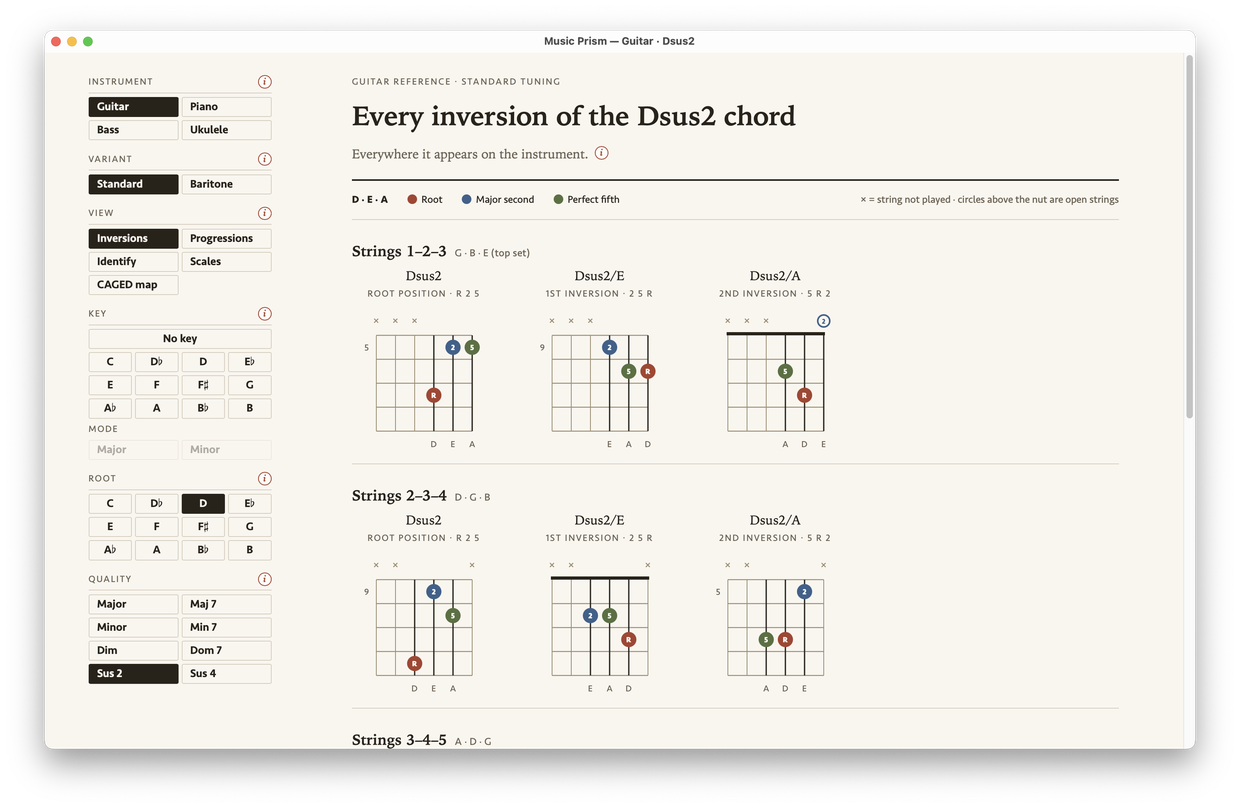
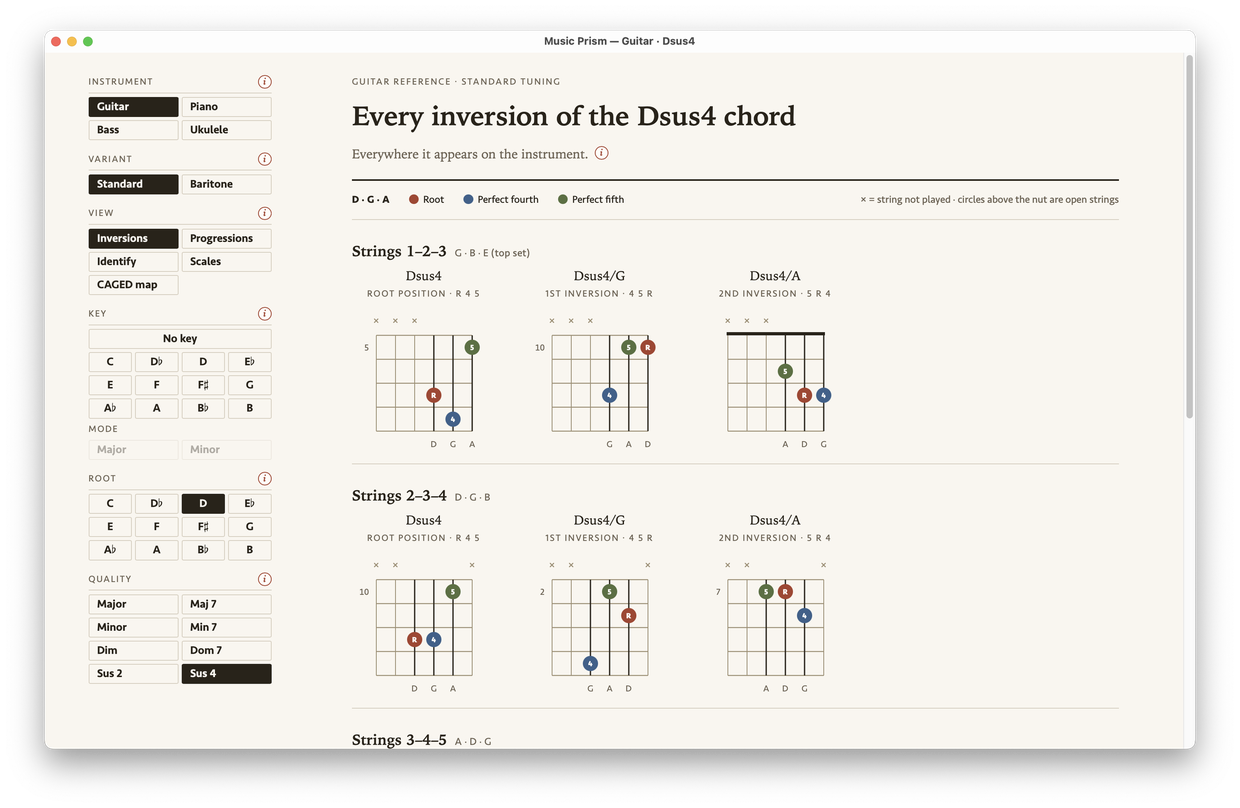
Music Prism showing a Dmaj7 chord on guitar, redrawn through all eight qualities in turn as the Quality control cycles.
One D chord through all eight qualities on guitar, redrawn at each turn
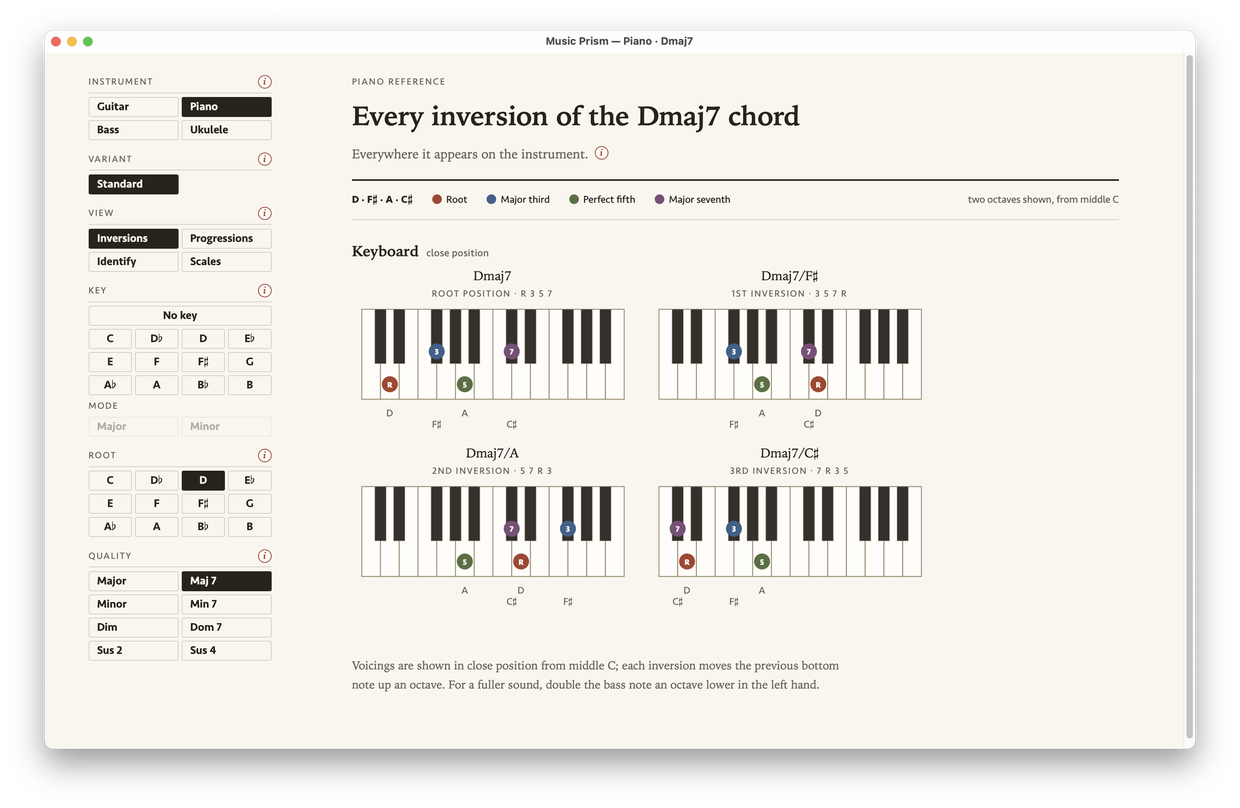
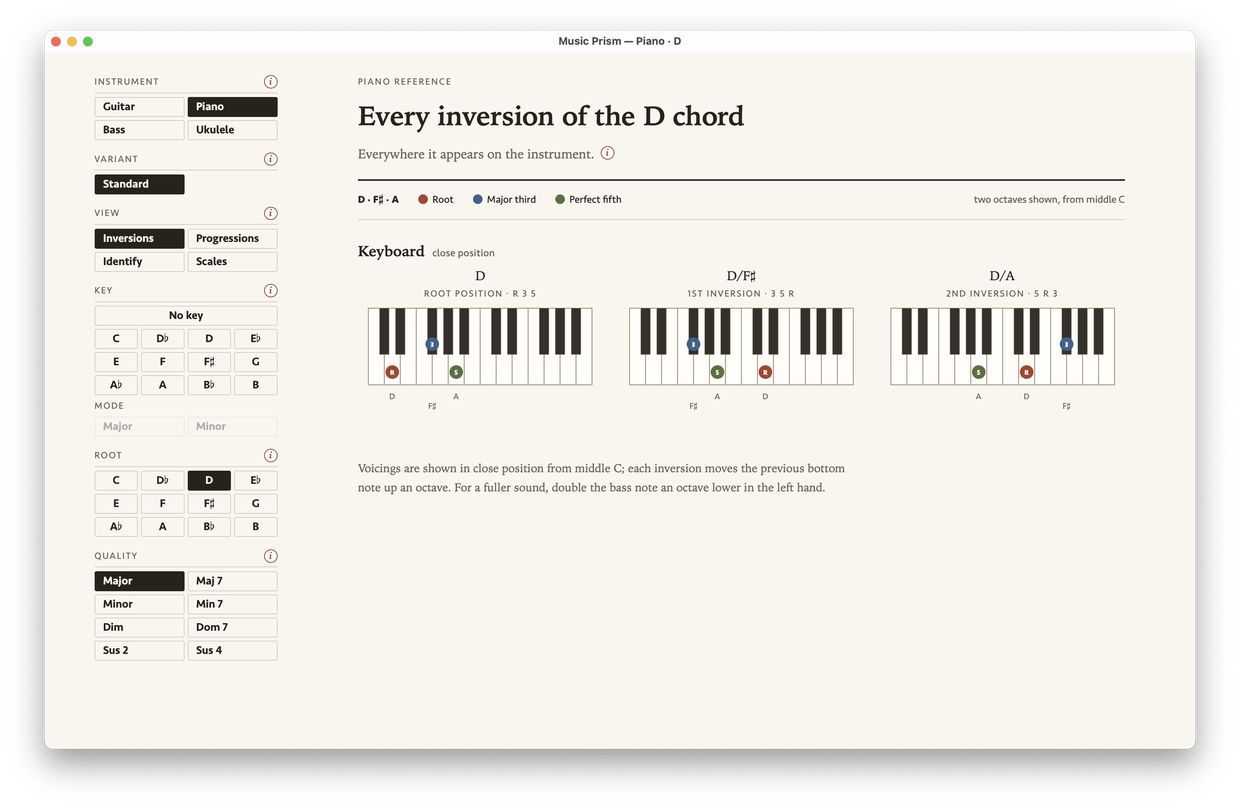
The same Dmaj7 on the piano keyboard, following the same cycle through all eight qualities.
The same D chord on piano, in all eight qualities

What is this chord?

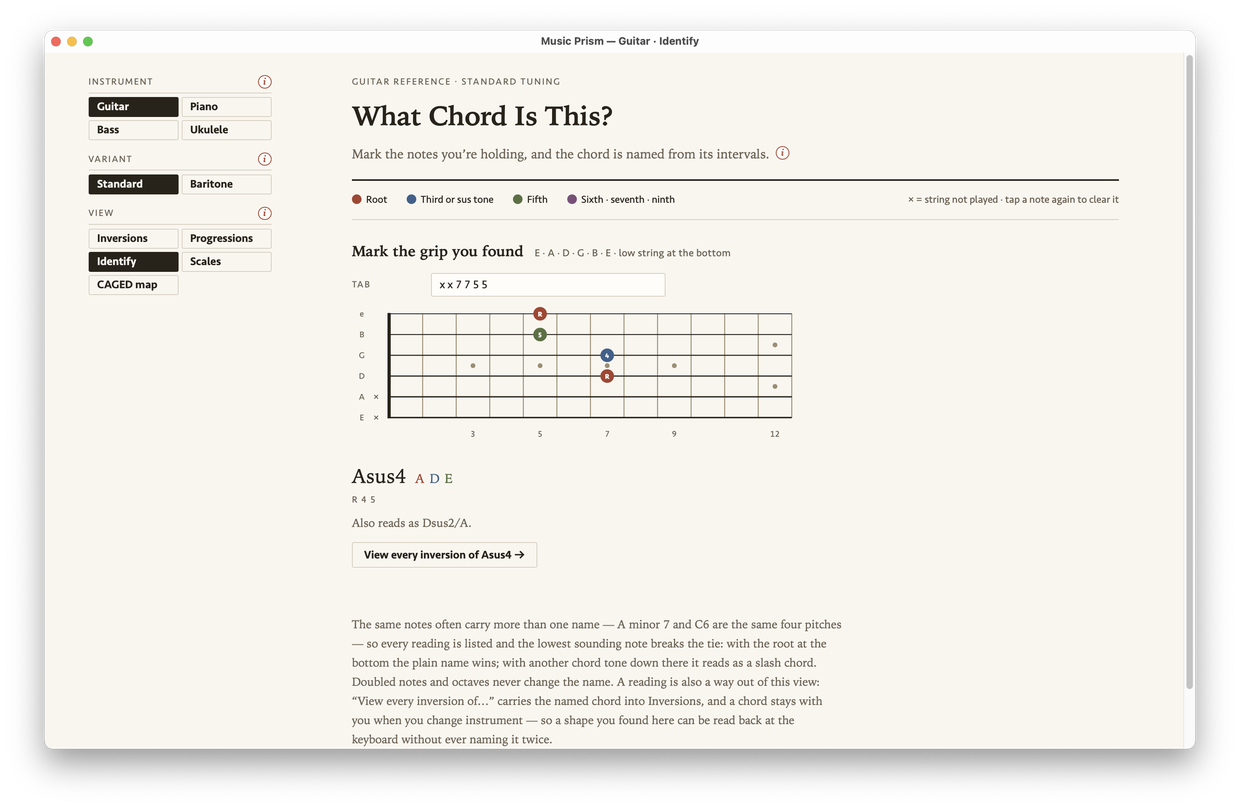
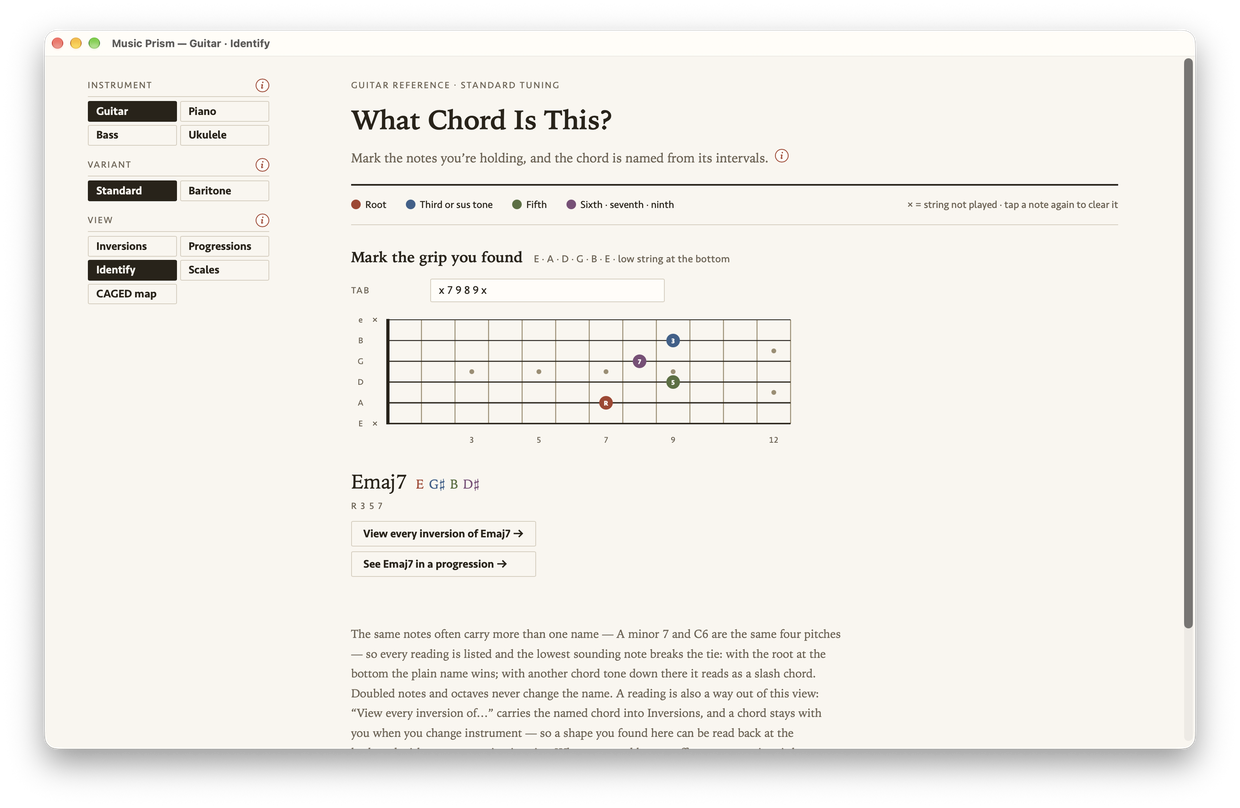
You’re playing around and you find something you like — what is that? Click the notes on a blank fretboard or keyboard and the chord gets named from its intervals, along with any other reading the same notes allow.

For the experts: the lowest sounding note decides between a plain name and a slash chord.

Music Prism’s Identify view naming a grip marked on a blank fretboard — x x 7 7 5 5 — as Asus4, with the alternate reading Dsus2/A.
You found it by ear at the seventh fret, and now you know what it is: Asus4

The CAGED map
Standard guitar only

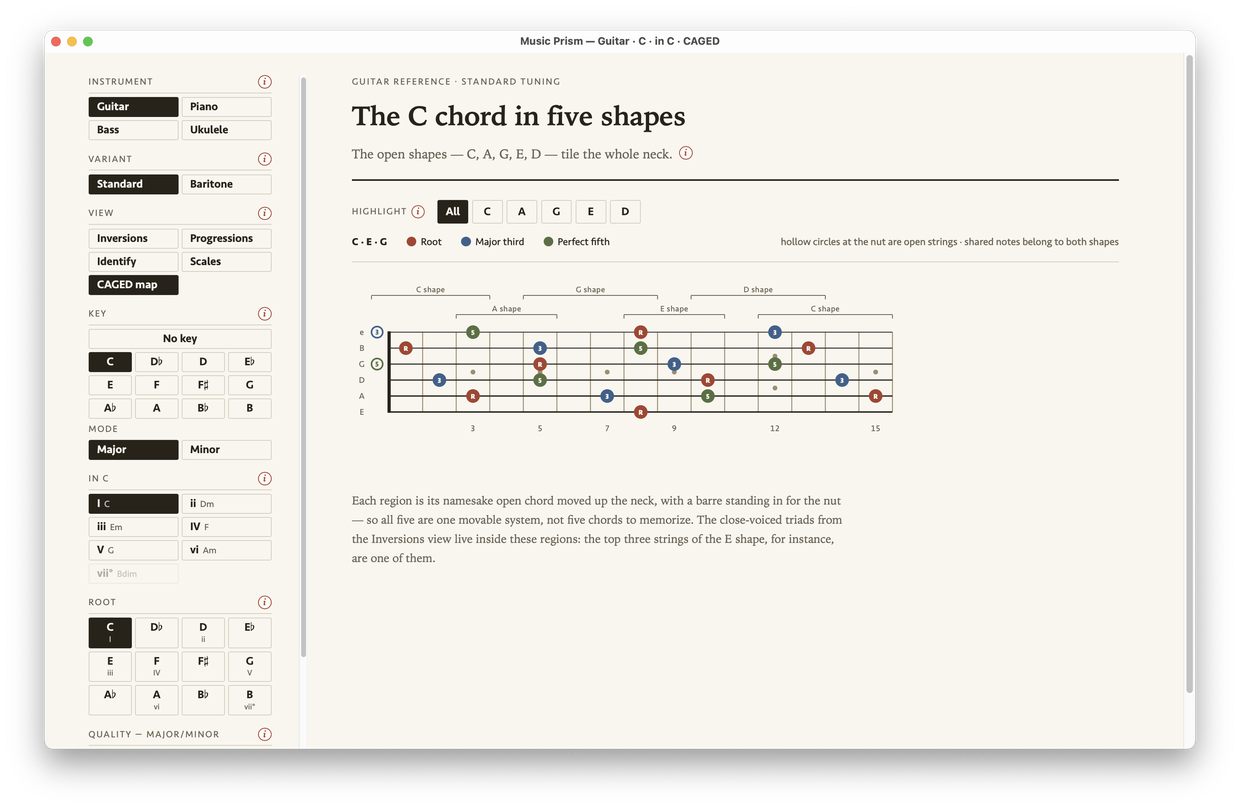
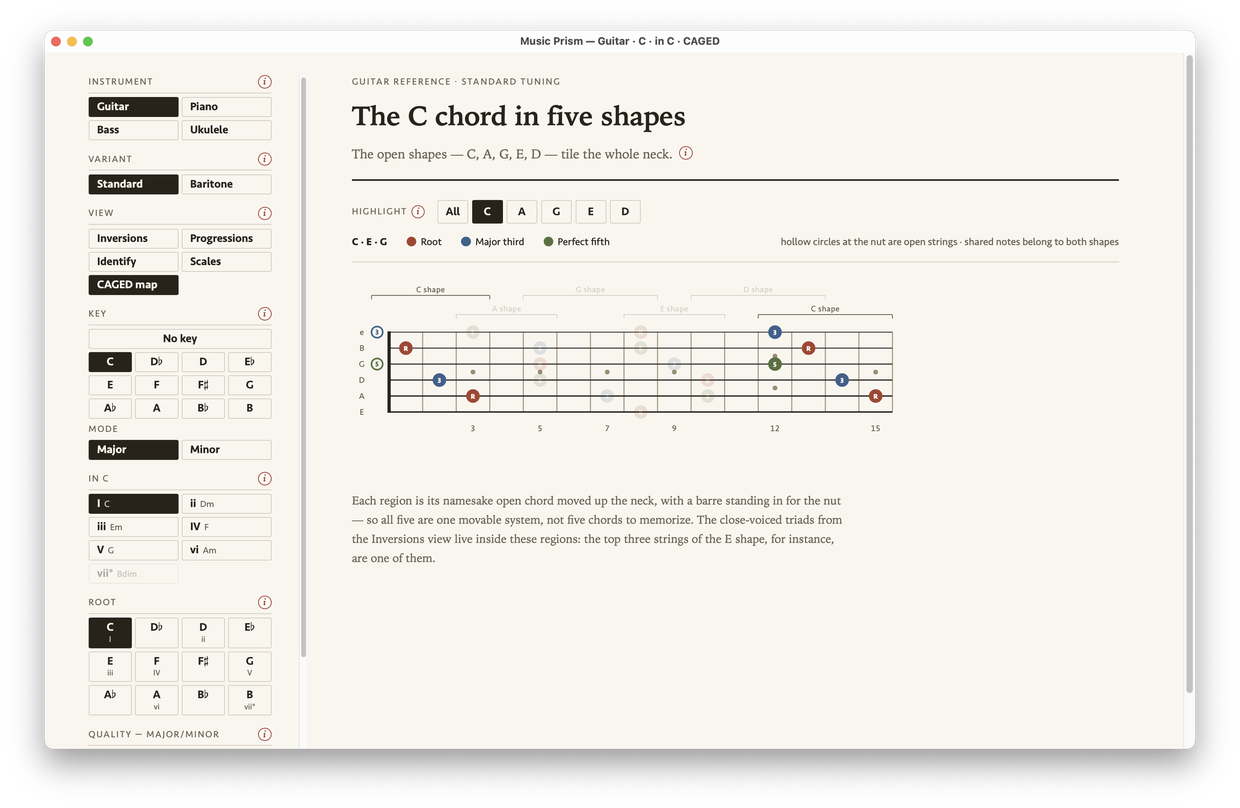
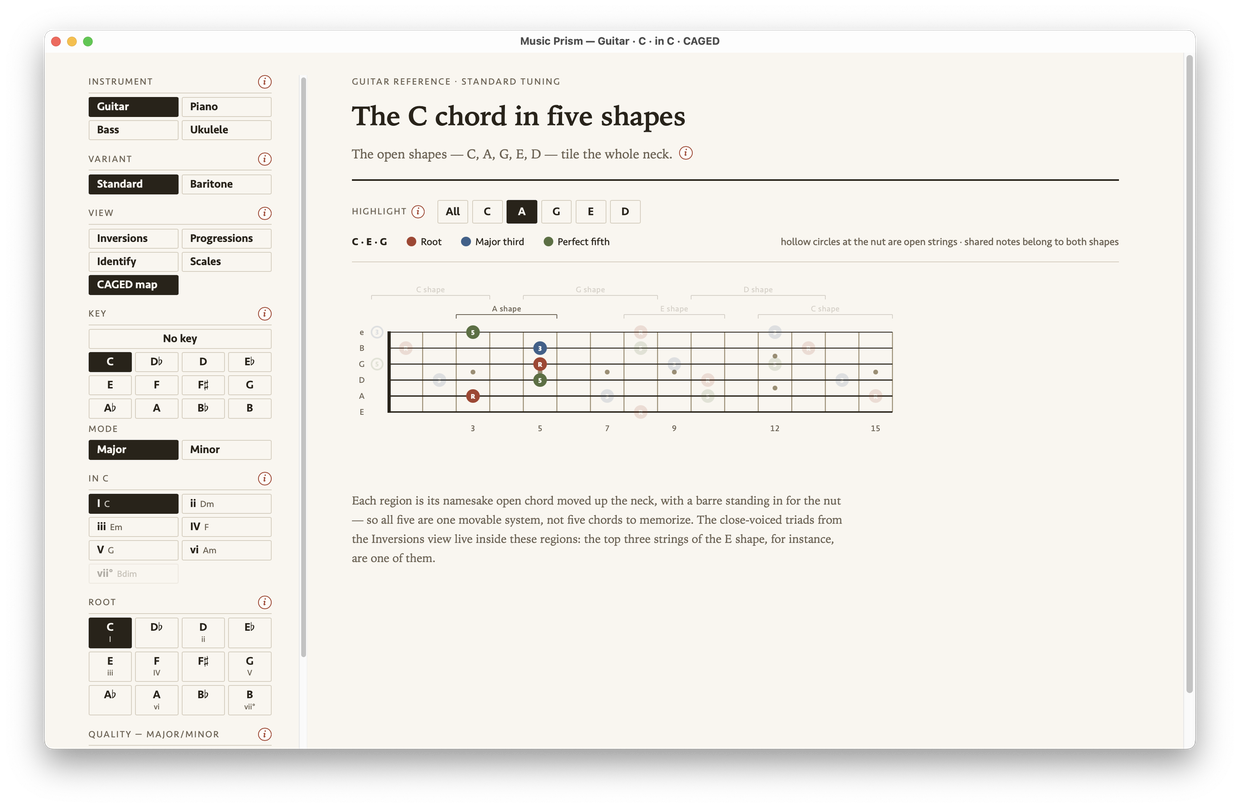
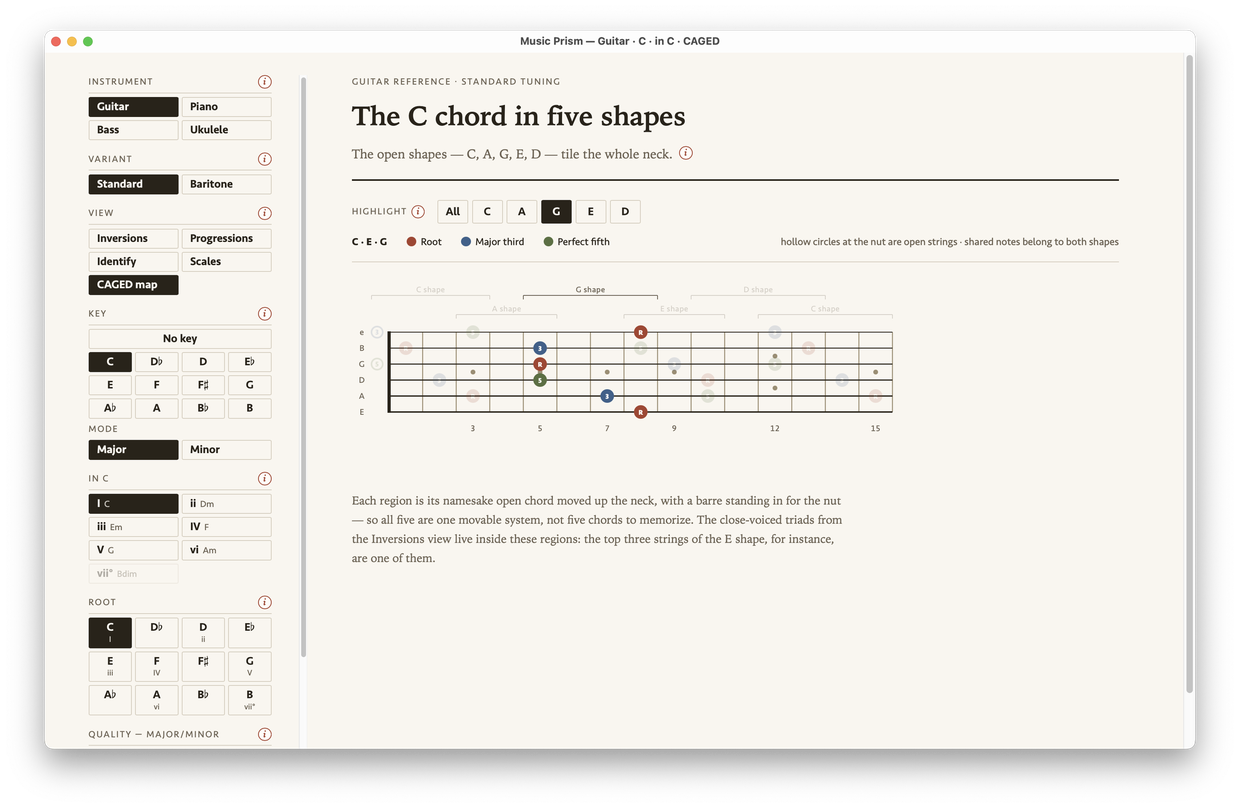
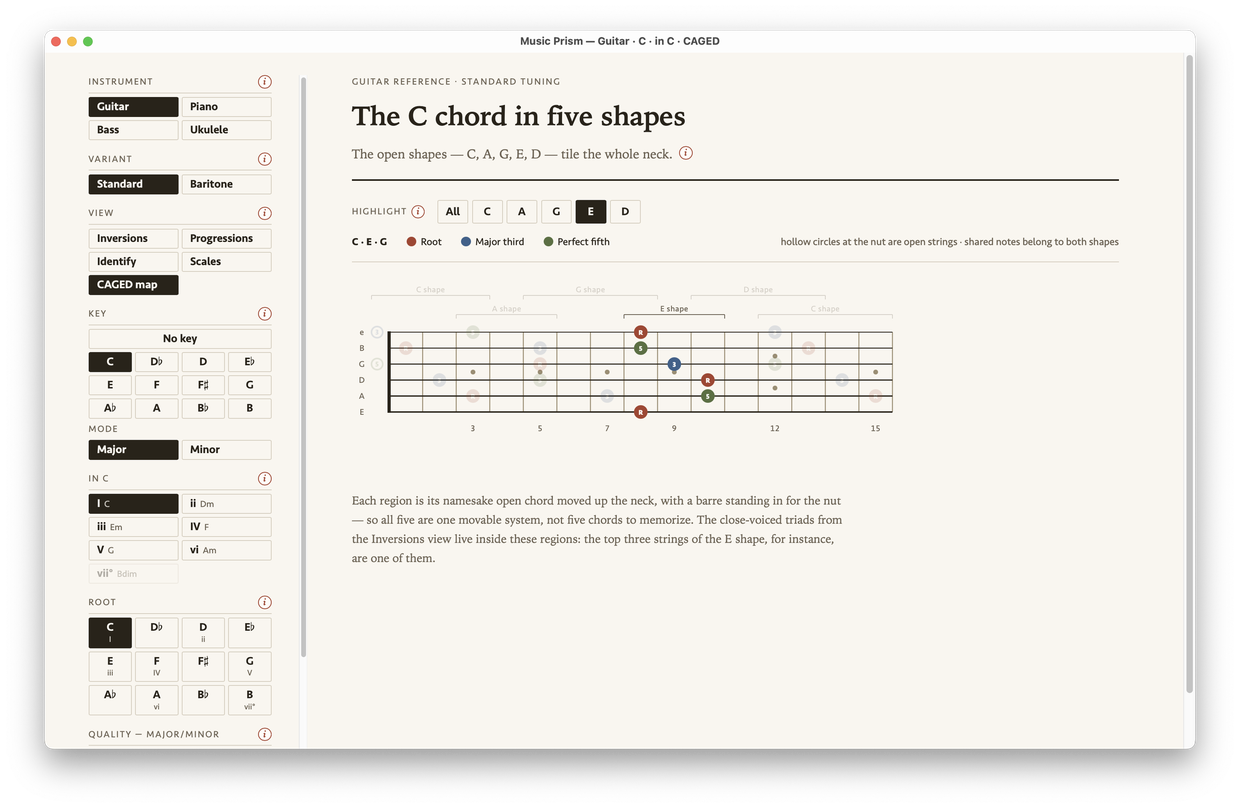
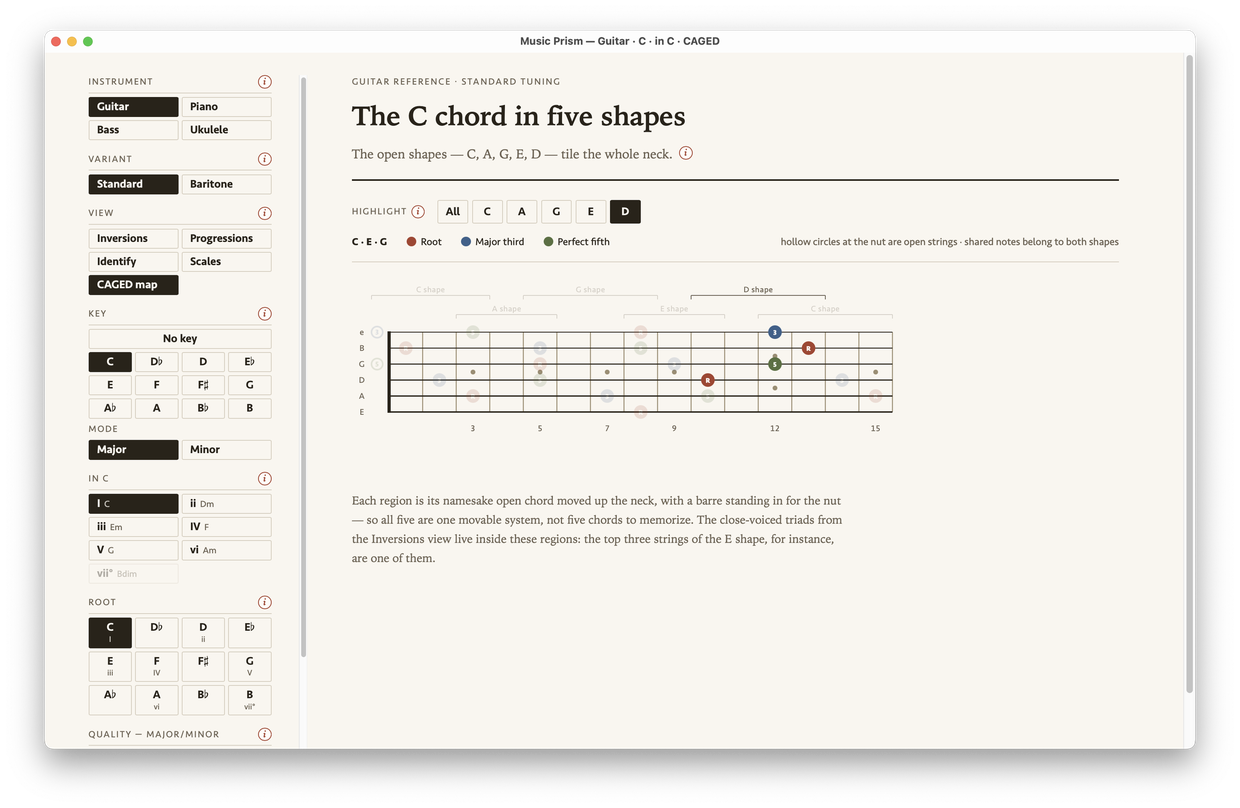
The CAGED map shows how the five open shapes move across the neck. See how they overlap, or highlight one shape on its own. Change the root and watch the chord appear in all five positions. “Play the C chord in the A shape” will finally make sense.
Music Prism’s full-neck CAGED map for C major, showing the five open shapes bracketed across the fretboard, each highlighted in turn.
C major in all five shapes, one at a time or all together

Progressions

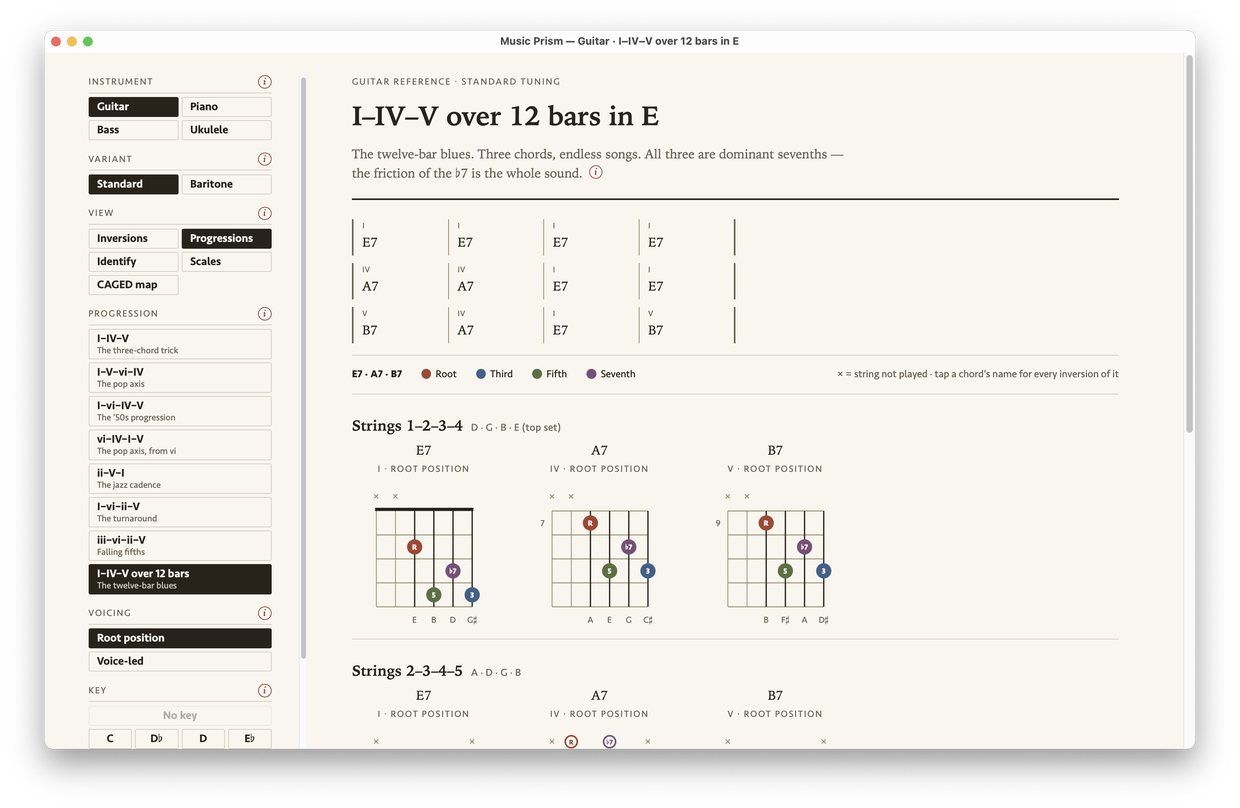
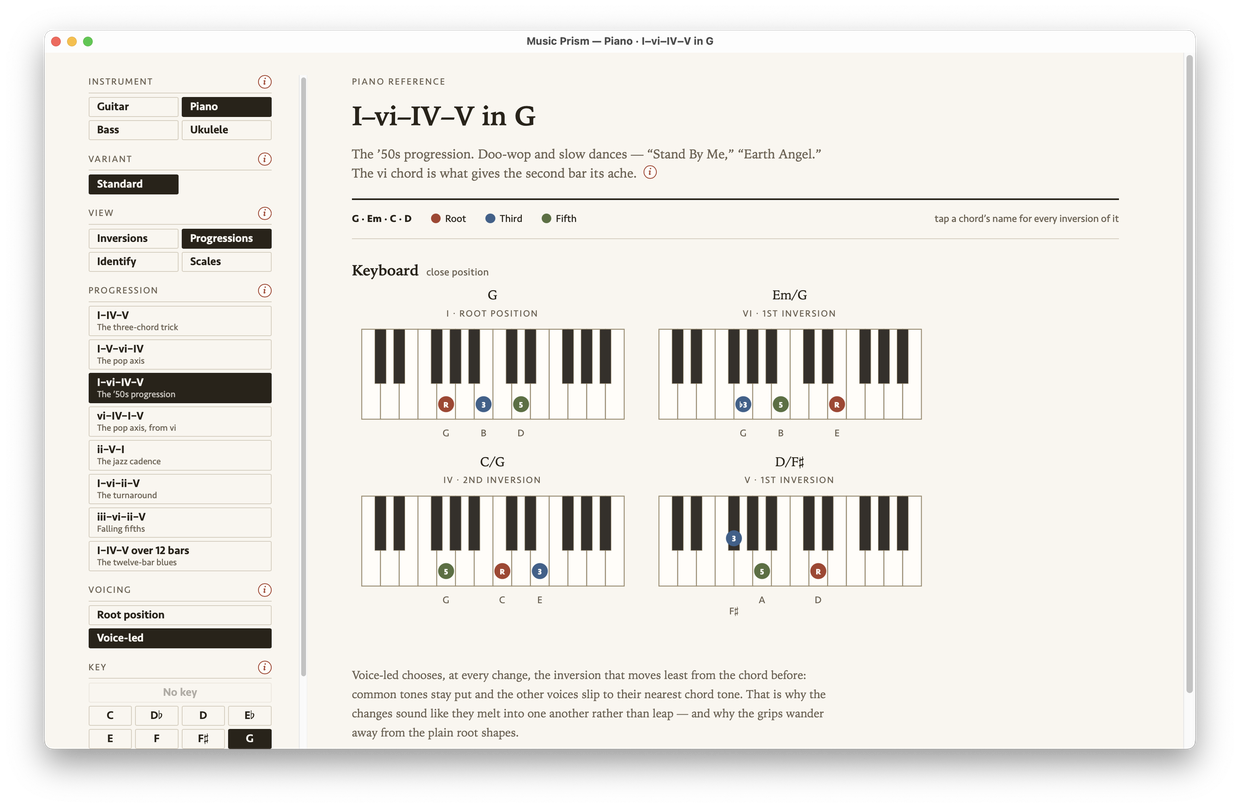
Sometimes when you’re practicing you’re not playing a song, but you don’t want to just noodle around either. What you want is a progression — the chord sequences songs are built from.

I–IV–V: blues, folk, and early rock and roll ran on little else for decades. iv–VII–III–VI: “Autumn Leaves” in a single breath, and a jazz-standard staple. Thirteen of them are built in, root position or voice-led. Learn a few and you’ll start hearing every song differently.

Music Prism laying out the twelve-bar blues in E major on guitar, as a grid of bars.
The 12-bar blues in E, root position
Music Prism laying out the I–vi–IV–V progression in G major on piano, each chord voice-led from the one before.
I–vi–IV–V in G, voice-led on piano

Scales

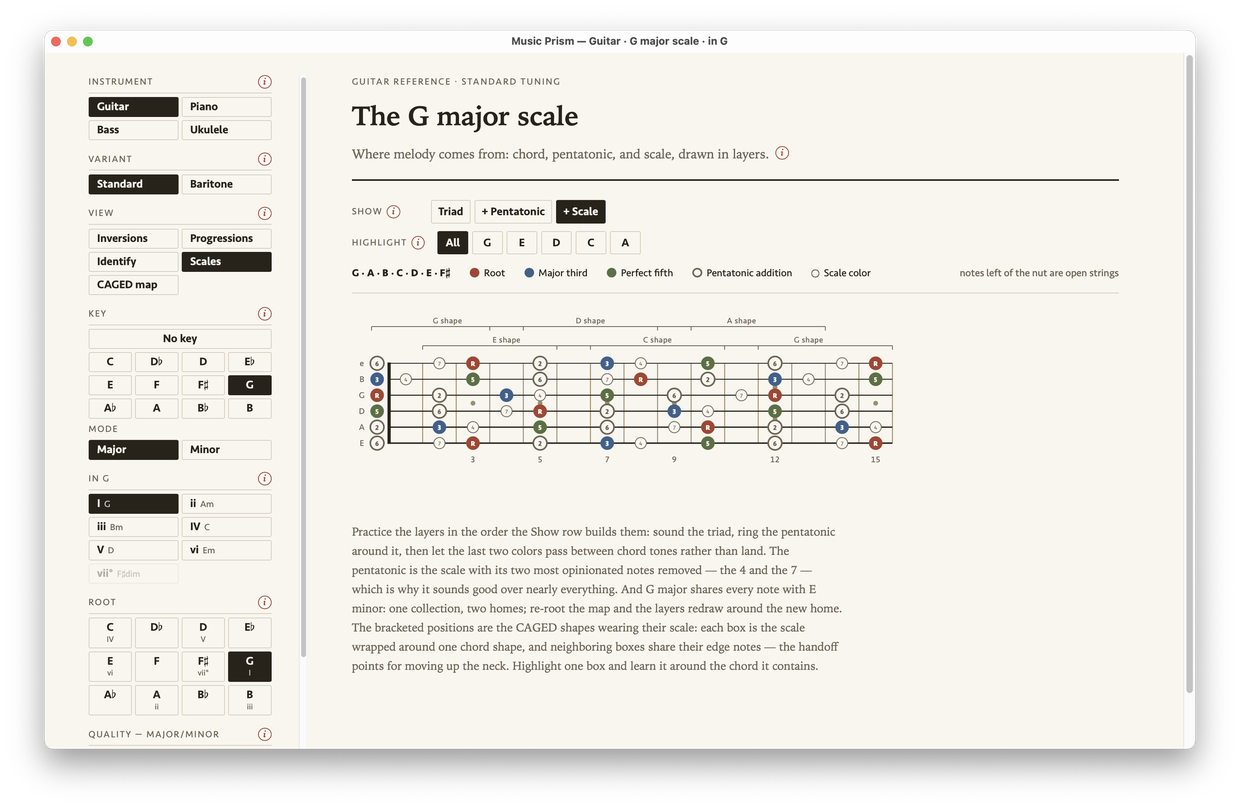
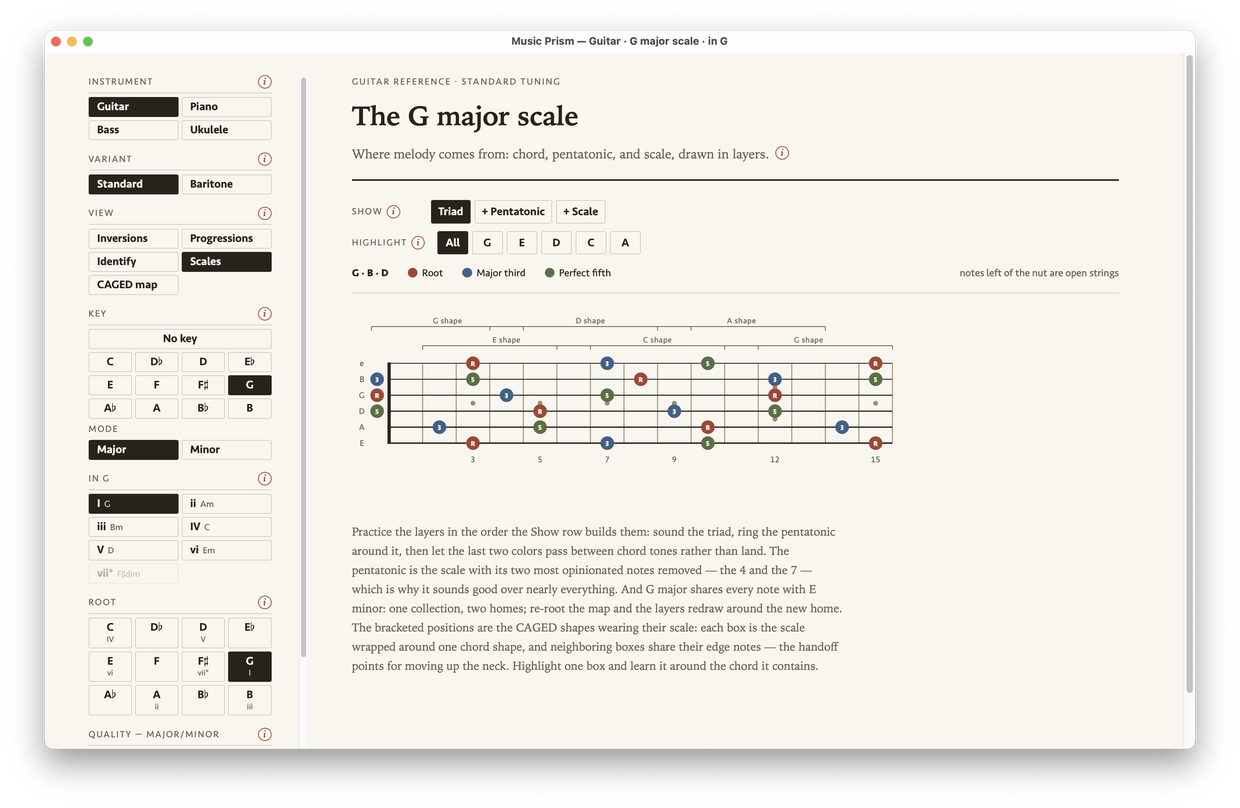
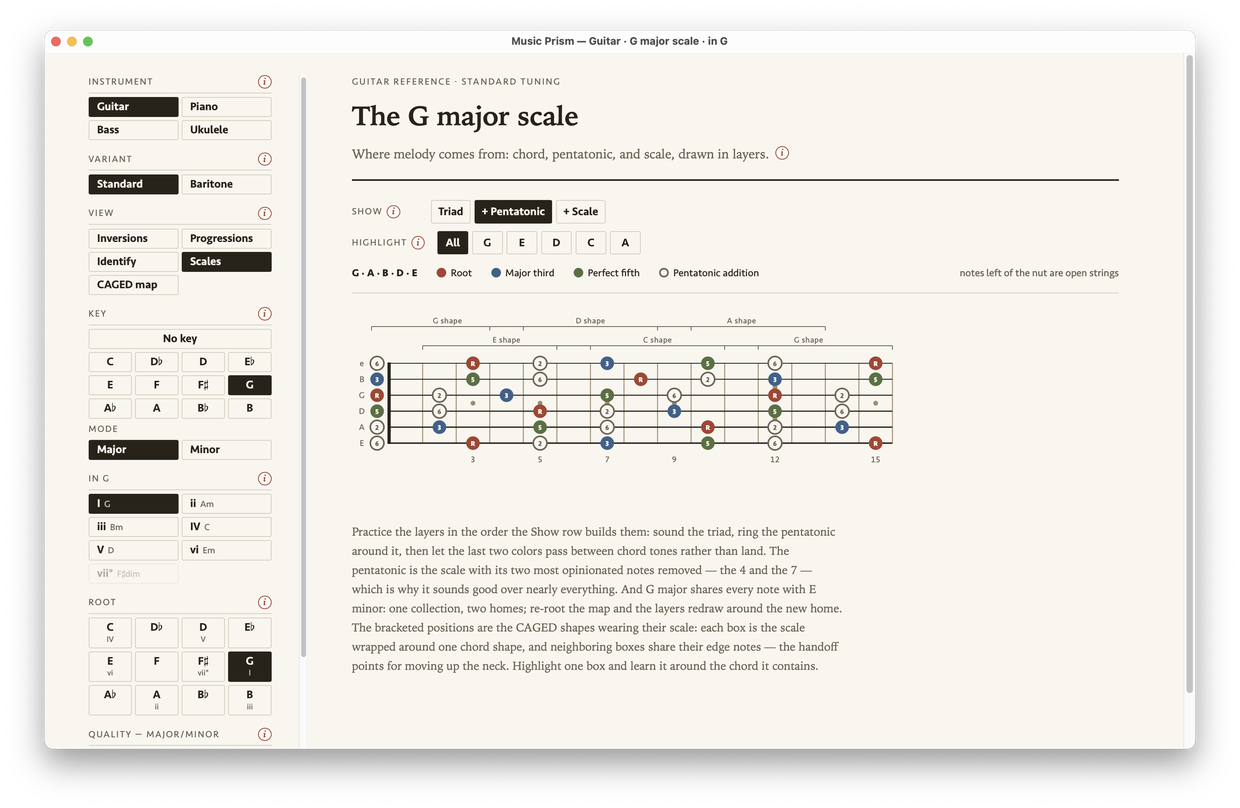
Where melody comes from, in three layers: the chord tells you where home is, the pentatonic adds the two notes that turn it into vocabulary, and the full scale fills in the colors.

Rather than one huge chart that’s hard to read and harder to memorize, you add and subtract the layers yourself, so it stays clear what you’re actually looking at.

Music Prism showing the G major scale across the full guitar neck, built up in layers from the chord tones.
The G major scale across the neck, built in layers: triad, pentatonic, scale

Musical keys and the Nashville Number System

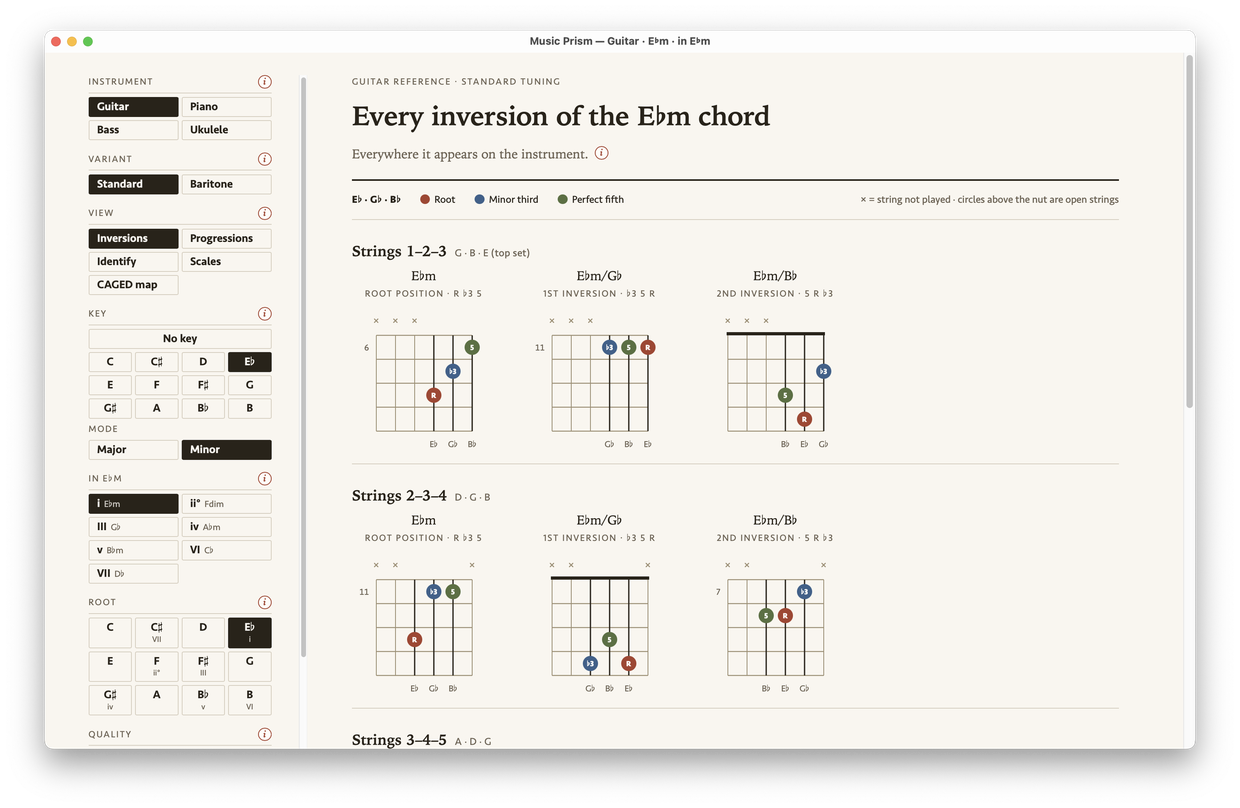
When you’re ready, explore keys — and how chords become the numerals of the Nashville Number System (I, ii, iii, IV…), the same in every key. Change the key and every diagram follows, spelled the way that key spells it.

Music Prism with the key set to E♭ minor: the key row, the degree row spelling VI as C♭, and every root chip carrying its roman numeral, above E♭ minor inversions on guitar.
The key set to E♭ minor — every root shows its numeral: the VI chord is C♭
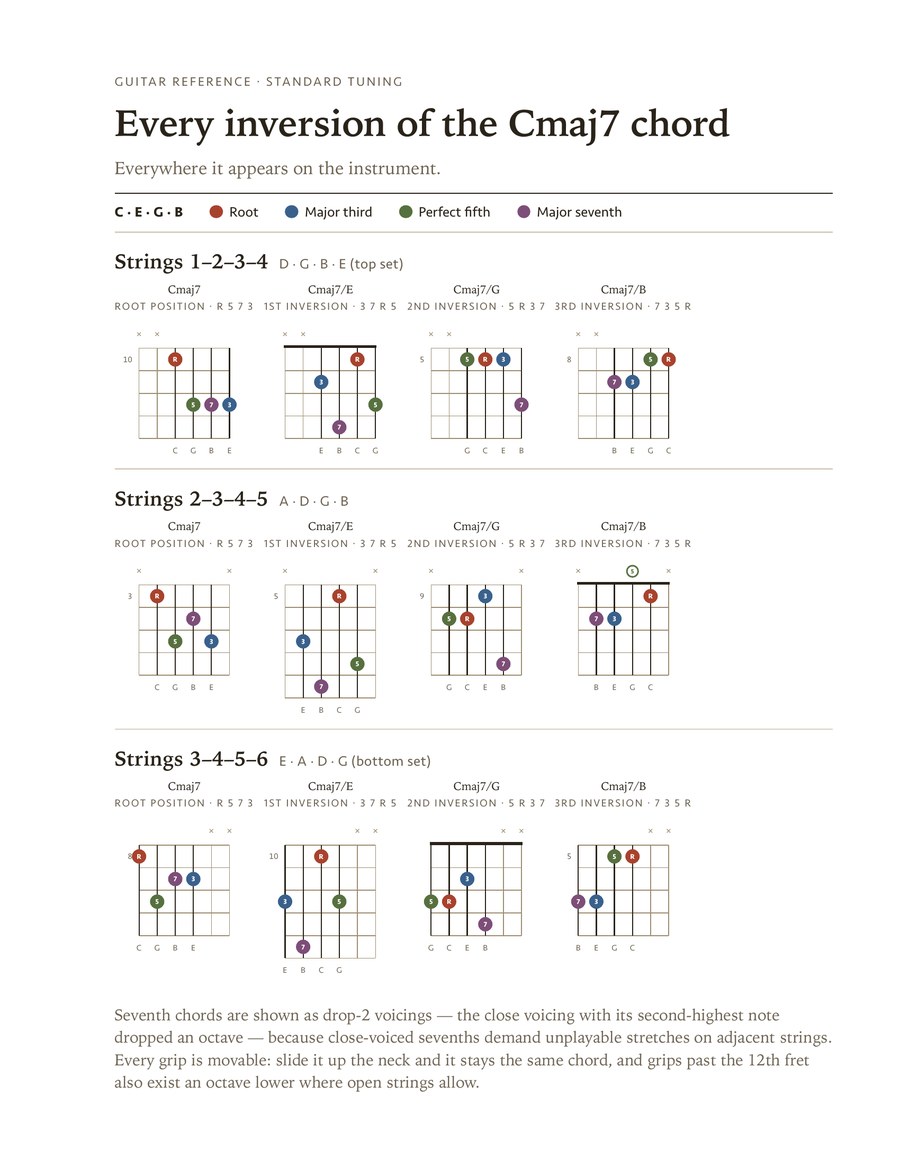
A Music Prism sheet printed from the app: every inversion of Cmaj7 on guitar, across three sets of strings.
Cmaj7 on guitar · actual output
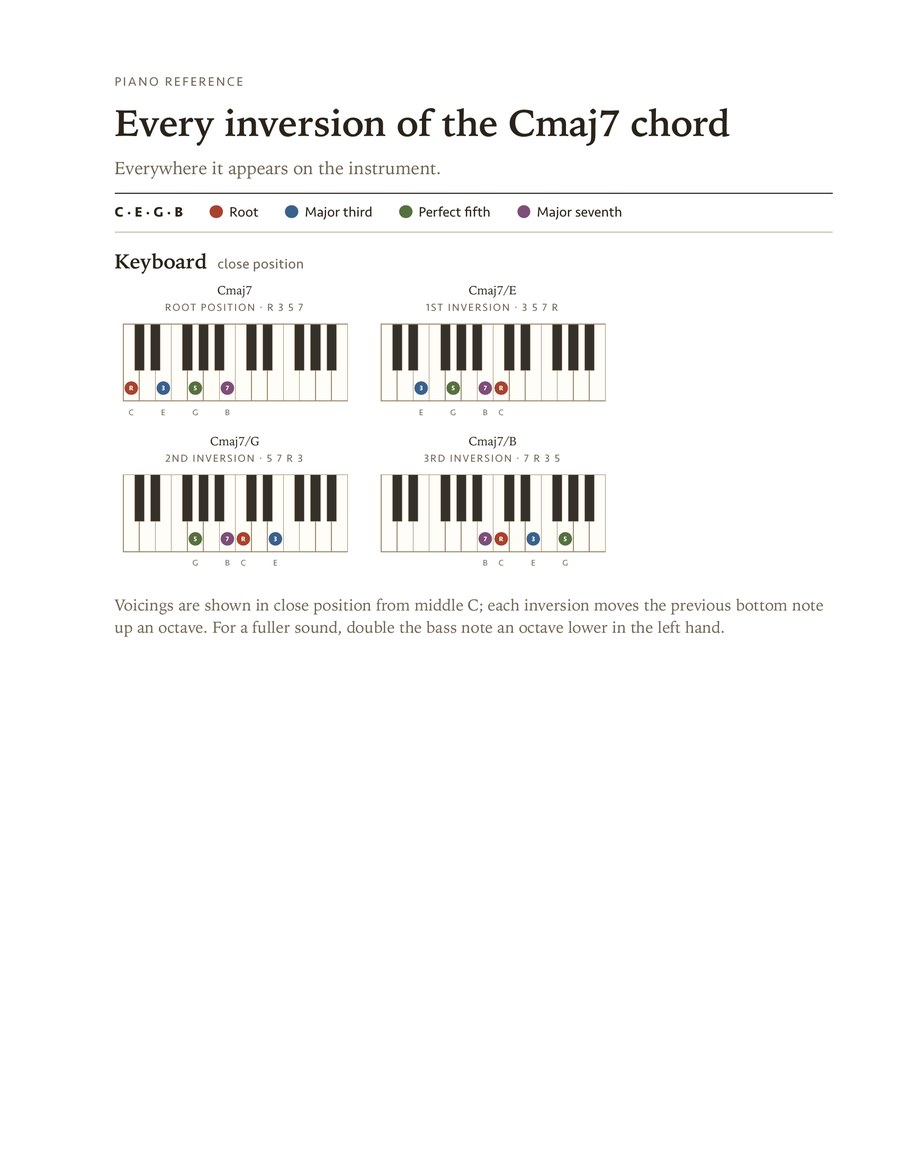
The same Cmaj7 sheet printed for piano, showing four inversions in close position.
Cmaj7 on piano · actual output

Is that chord spelled right?

Nothing here is a scanned chord chart — every dot is placed by counting intervals from the root against the tuning of the instrument you picked, and every note is spelled the way theory says it should be.

The third of F♯maj7 is A♯ and its seventh is E♯ — not F — because a maj7 stacks thirds, and the letters have to step F–A–C–E. Chord books and tab sites get this wrong routinely. It’s the kind of detail you don’t need until you do, and then you really do.

Drawing from the math instead of from a library is also why the app can grow: a new instrument is just a new tuning.

4××RF♯5C♯7E♯3A♯
F♯maj7
  1. F♯ Root 0 semitones from the root
  2. A♯ Major third 4 semitones from the root
  3. C♯ Perfect fifth 7 semitones from the root
  4. E♯ Major seventh 11 semitones from the root

Music Prism for Mac

Free. No demo mode, no ads, and nothing to sign up for.

Download for Mac

A macOS app — visit this page on your Mac to download.

It’s signed and notarized by Apple. Drag it to your Applications folder and open it — after that it’ll tell you when there’s an update.

Version 1.1.0 · 4.6 MB

Requires macOS 10.15 Catalina or later.

Accessibility is built in.

The whole app works from the keyboard — every control is reachable, and in the Identify view the arrow keys walk the fretboard or the piano while Enter marks a note. Every diagram describes itself to VoiceOver, naming each chord tone, and Identify announces the chord it finds. Light and dark follow your Mac’s appearance, and Reduce Motion is honored.

We welcome your feedback.

The Help menu gives you a way to report a bug or ask for a feature, right inside the app. It drafts the email; you send it. We read every one, and feature requests get collected and built into the app over time.